
A blog and website pages for your repair shop
Write blog posts and add pages such as About Us or FAQ to your repair shop's customer site, organized by category and listed in your site's menu.
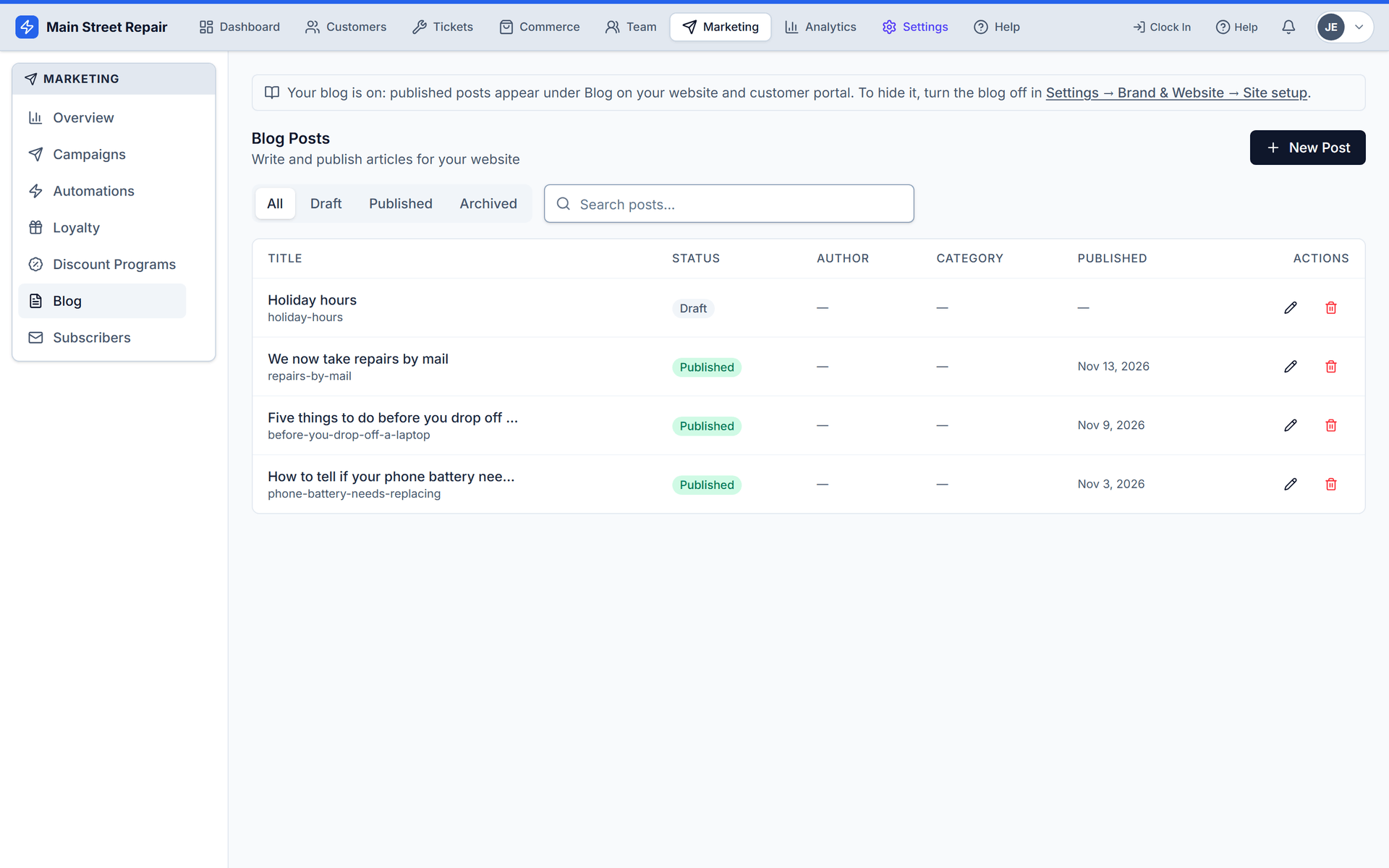
What's included
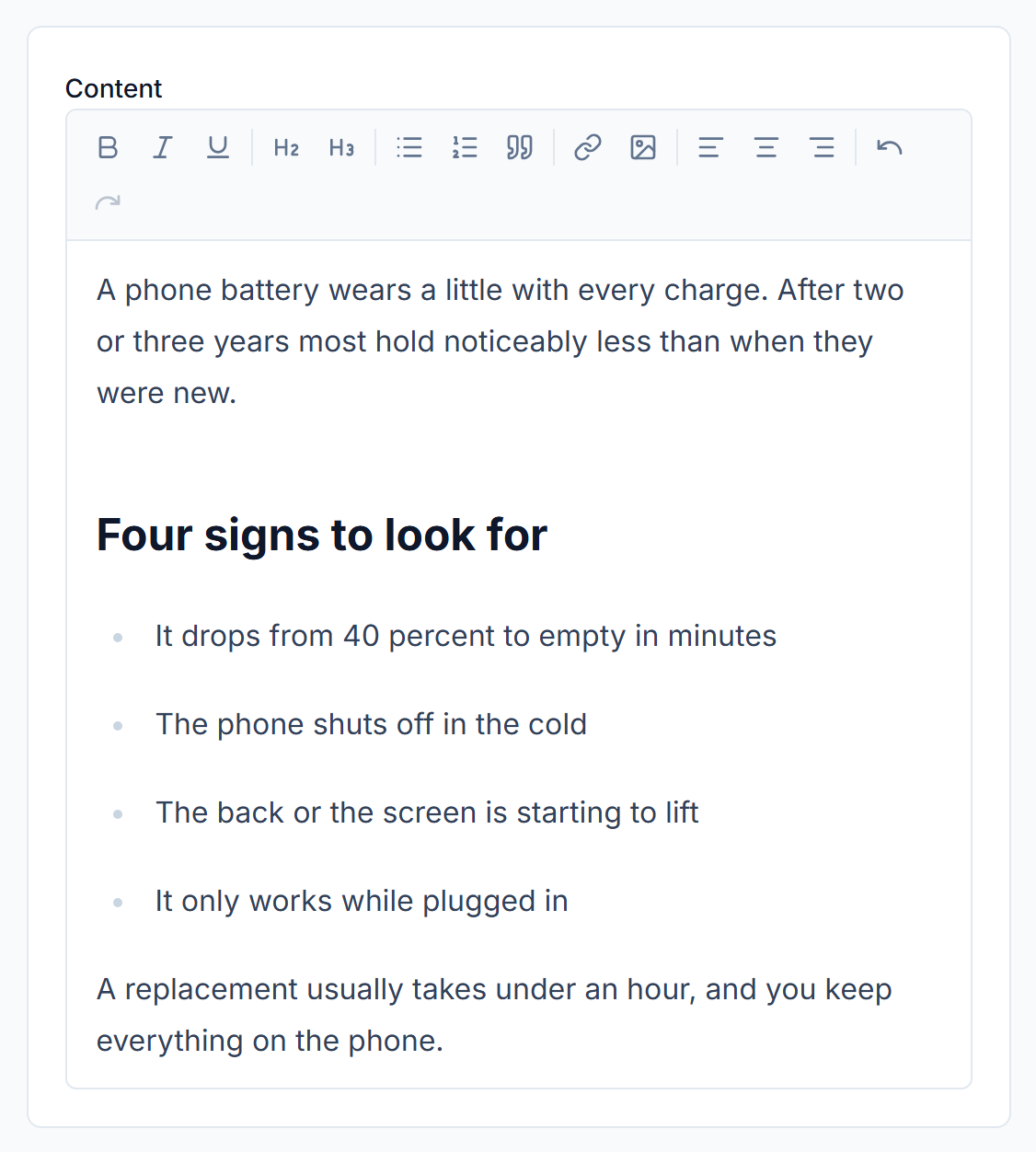
Rich text editor
Write blog posts with headings, images, links, and formatting. No code required.
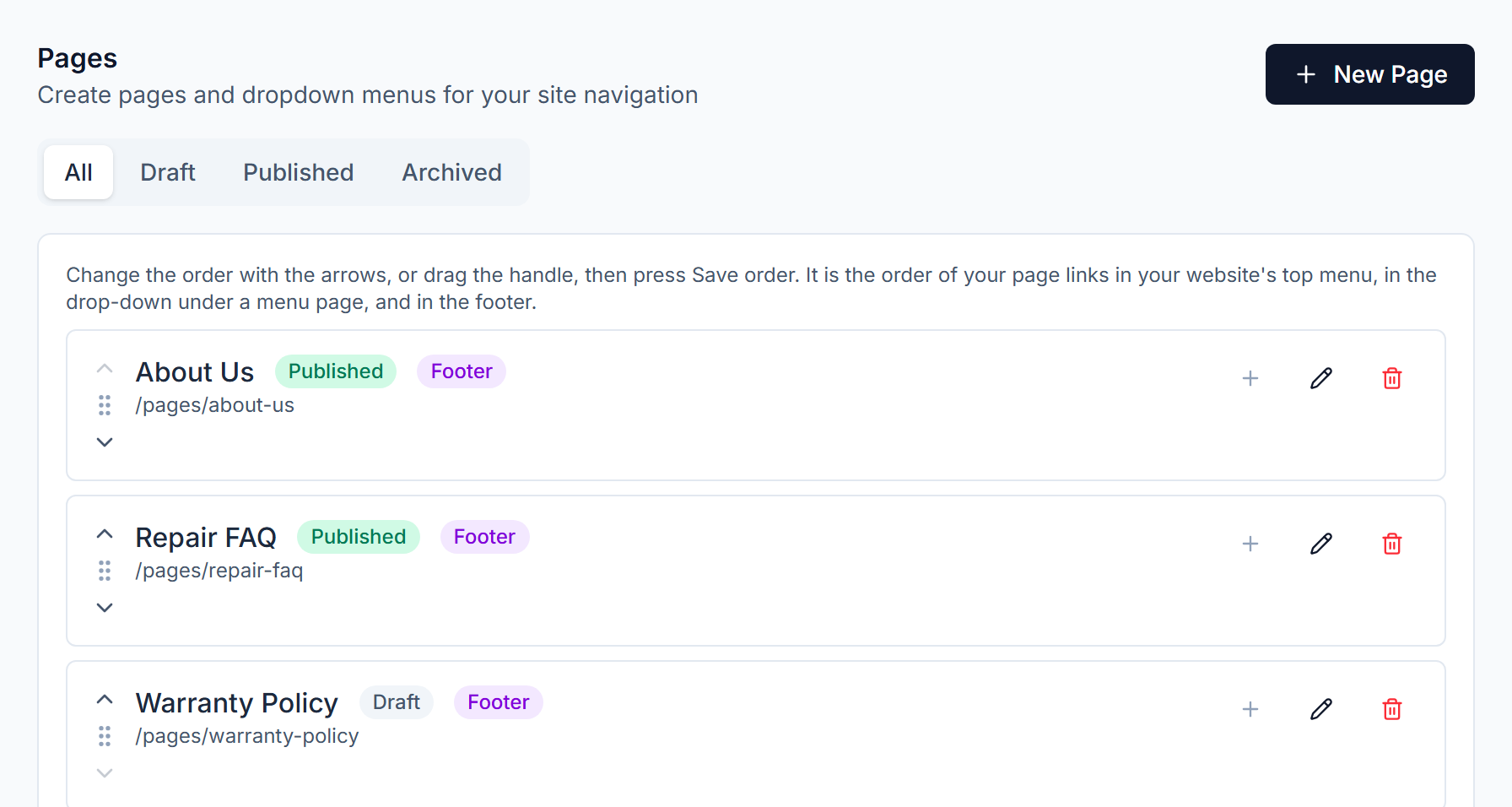
Custom pages
Create pages such as About Us, FAQ and Policies, and add them to your portal's menu.
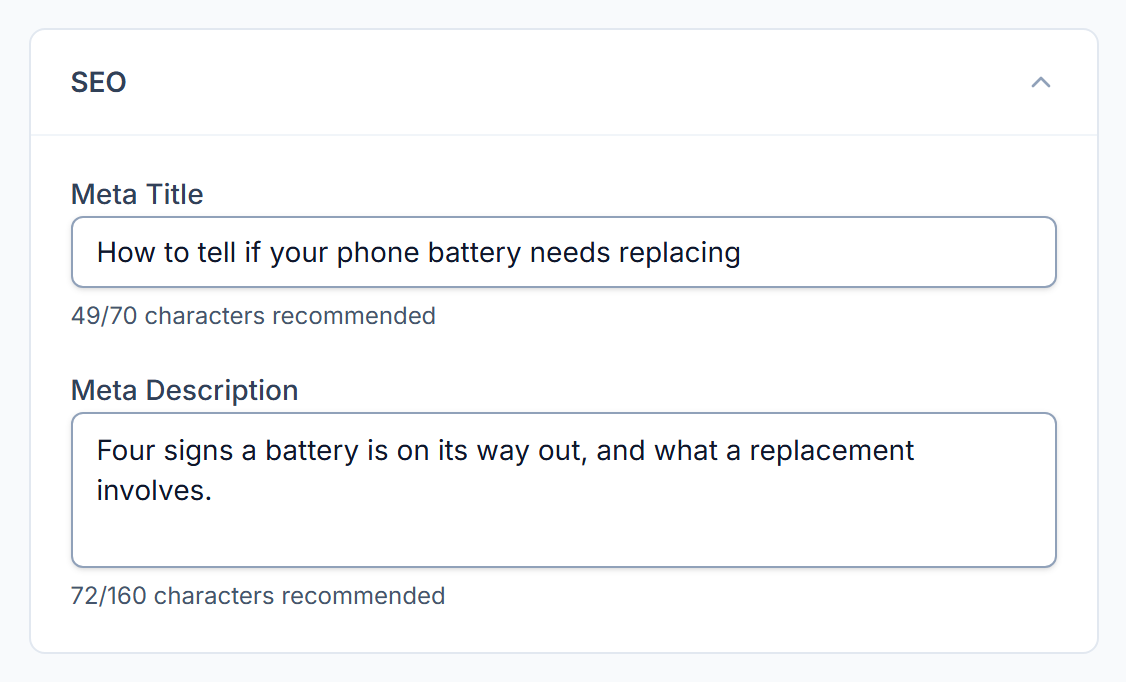
SEO controls
Set meta title, description, and URL slug per post. Control how your content appears in search results.
In your menu
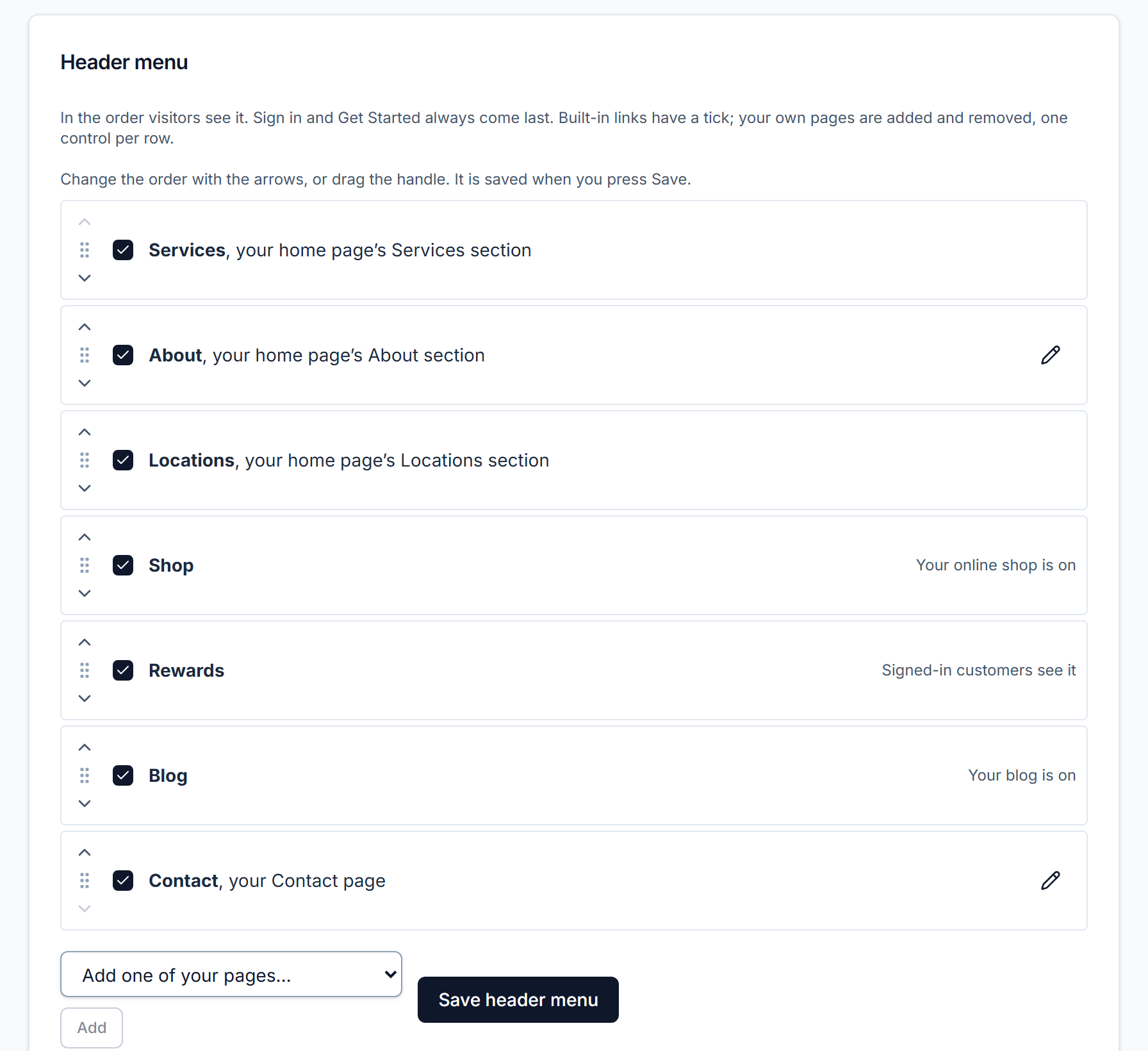
Add the blog and your own pages to your portal's menus.
Draft & publish
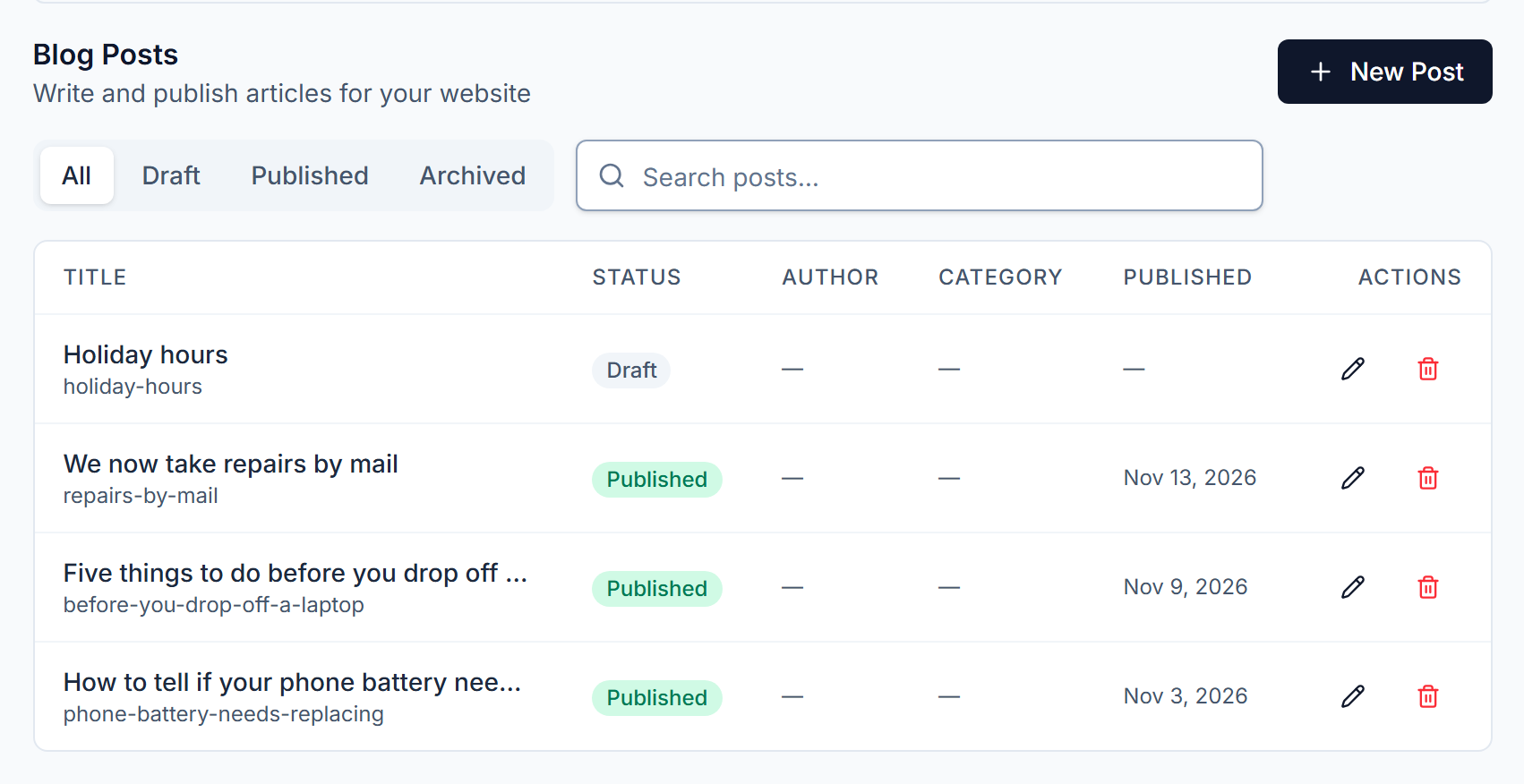
Save a post as a draft, publish it when it is ready, and archive it when it is out of date.
Categories
Organize posts into categories. Customers browse by topic.
Related features
Branded Customer Portal for Repair Shops
Put your logo, colors and fonts on your customer portal, with 12 themes to start from and a live preview before you save. On Pro.
Repair Status Customer Portal
Customers check repair status, approve estimates and pay invoices online without calling your shop. On Pro, the portal adds booking and your online shop.
Repair Shop Email Marketing and Campaigns
Send email campaigns to the customers you choose, and let follow-ups and maintenance reminders go out automatically. See opens and clicks. On Pro.
Try Spekco free for 30 days
No setup fees, and nothing is charged until day 30.