
Repair shop scheduling software with online booking and a limit on every time slot
Repair booking software: customers book repair appointments online in the time slots you offer, with a limit on bookings for each slot at each location. On Pro.
What's included in Scheduling
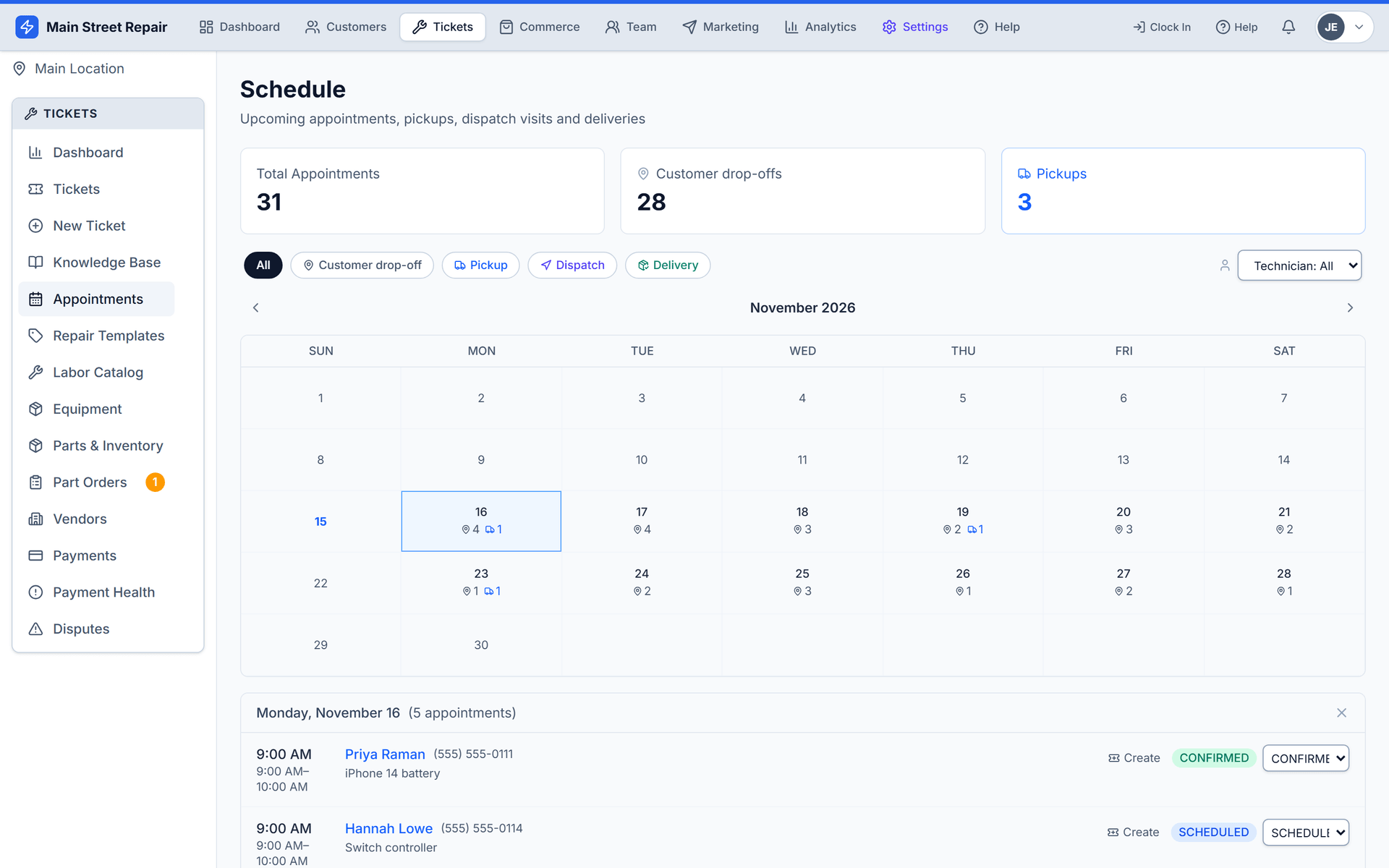
Your time slots
Set the time slots you offer by day and location, and how many bookings each slot takes.
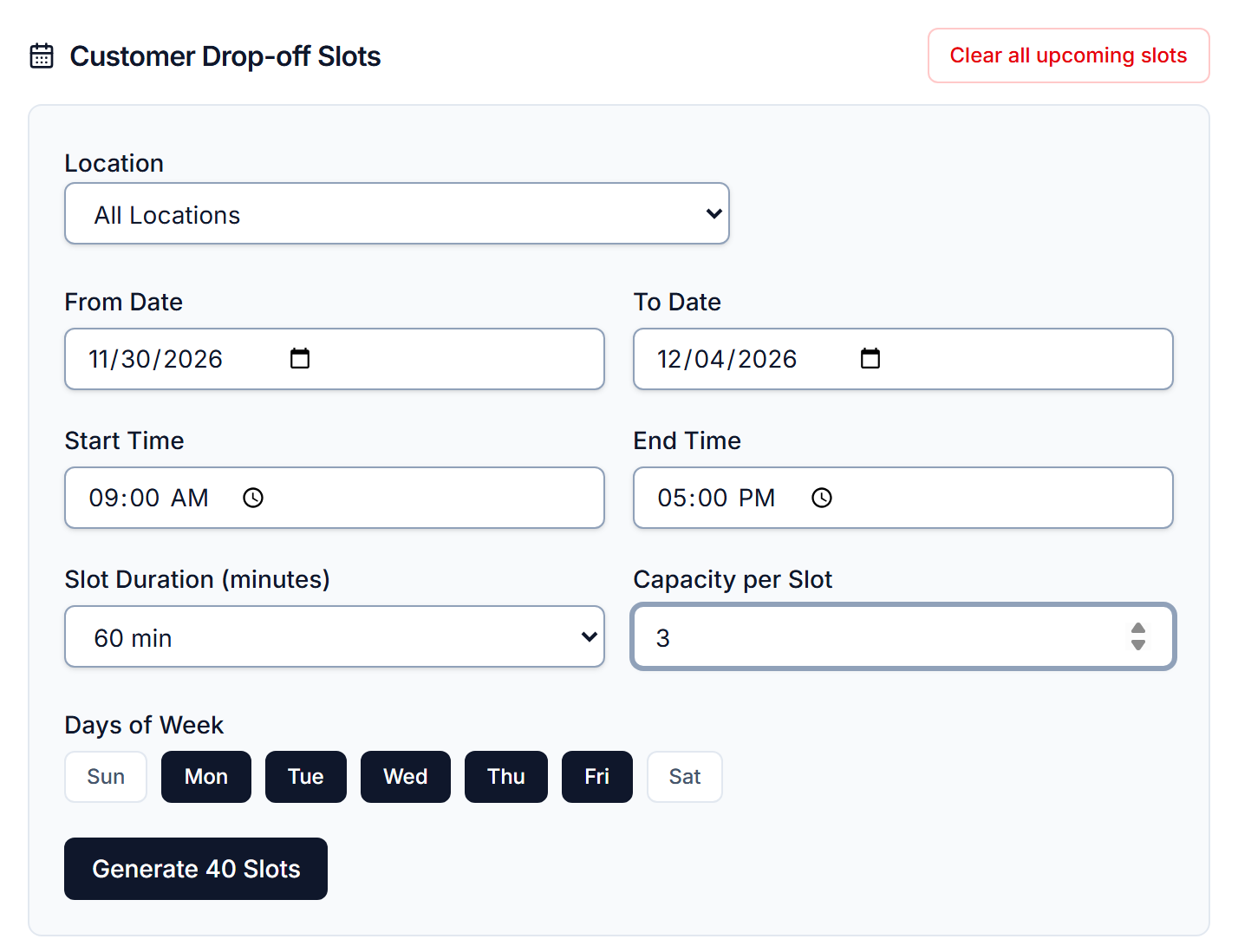
Online booking
Customers book appointments through your portal. They pick a date, time, and service type.
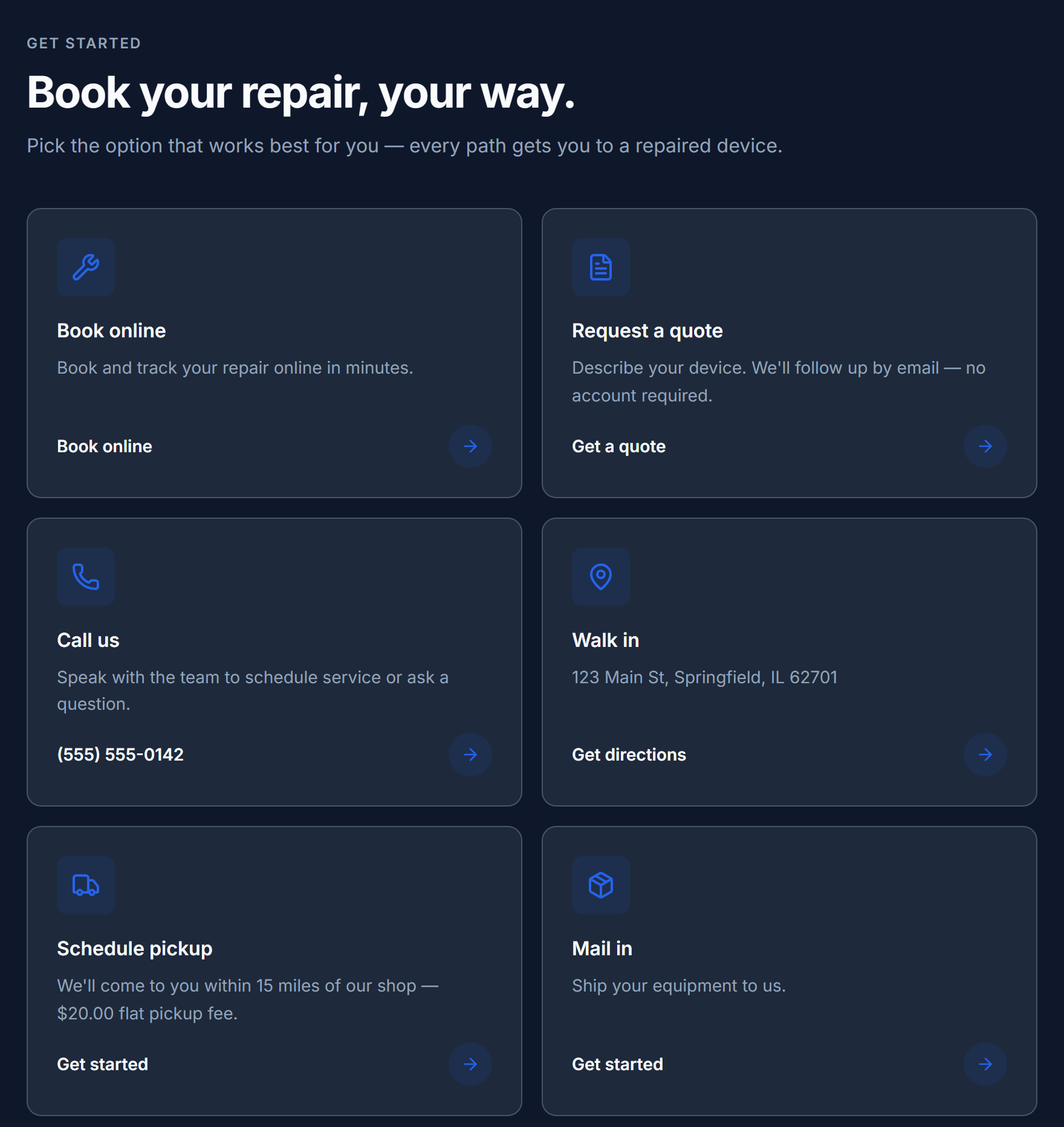
Drop-off & pickup types
Offer separate time slots for drop-offs and for pickups.
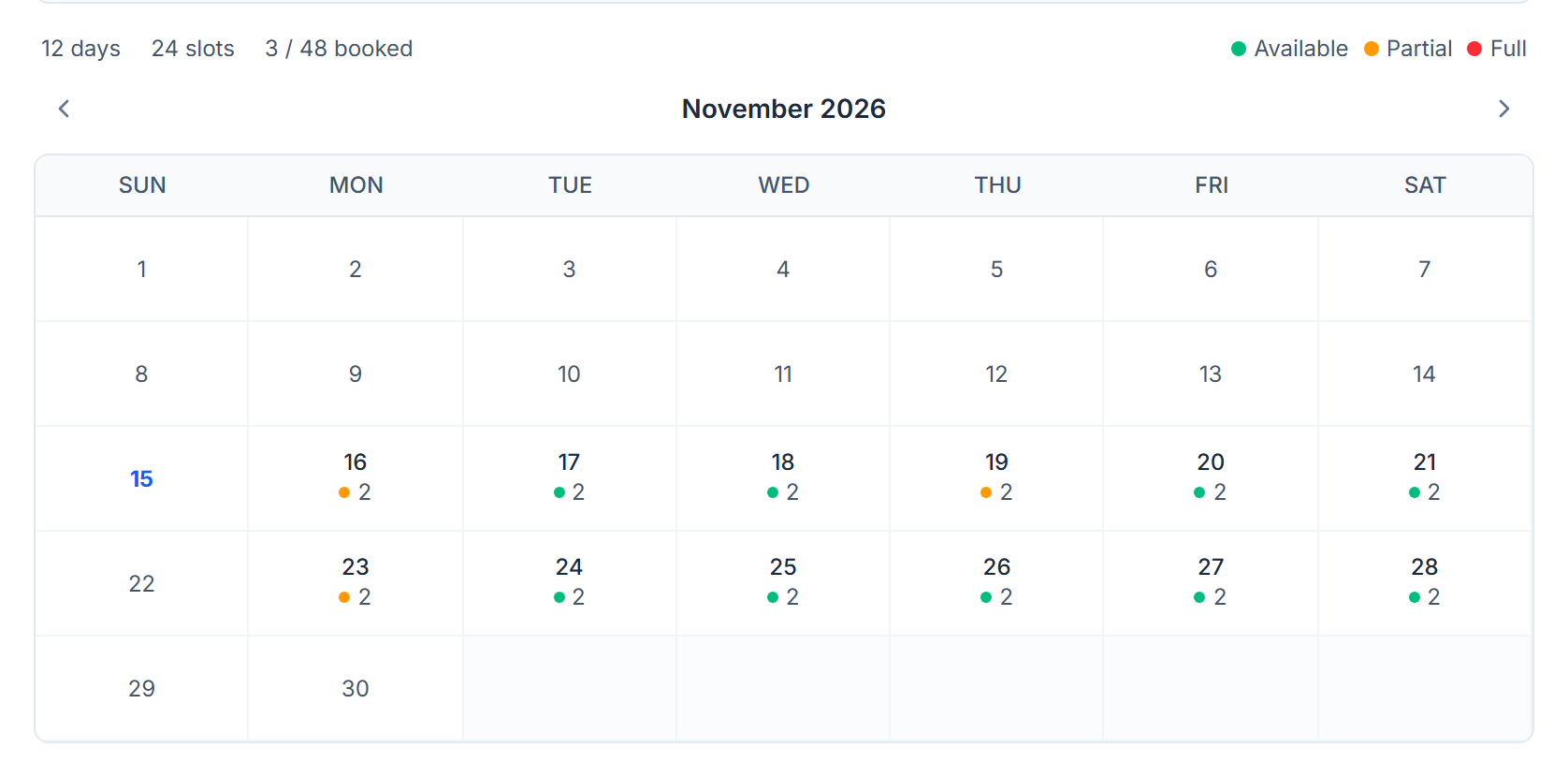
Calendar view
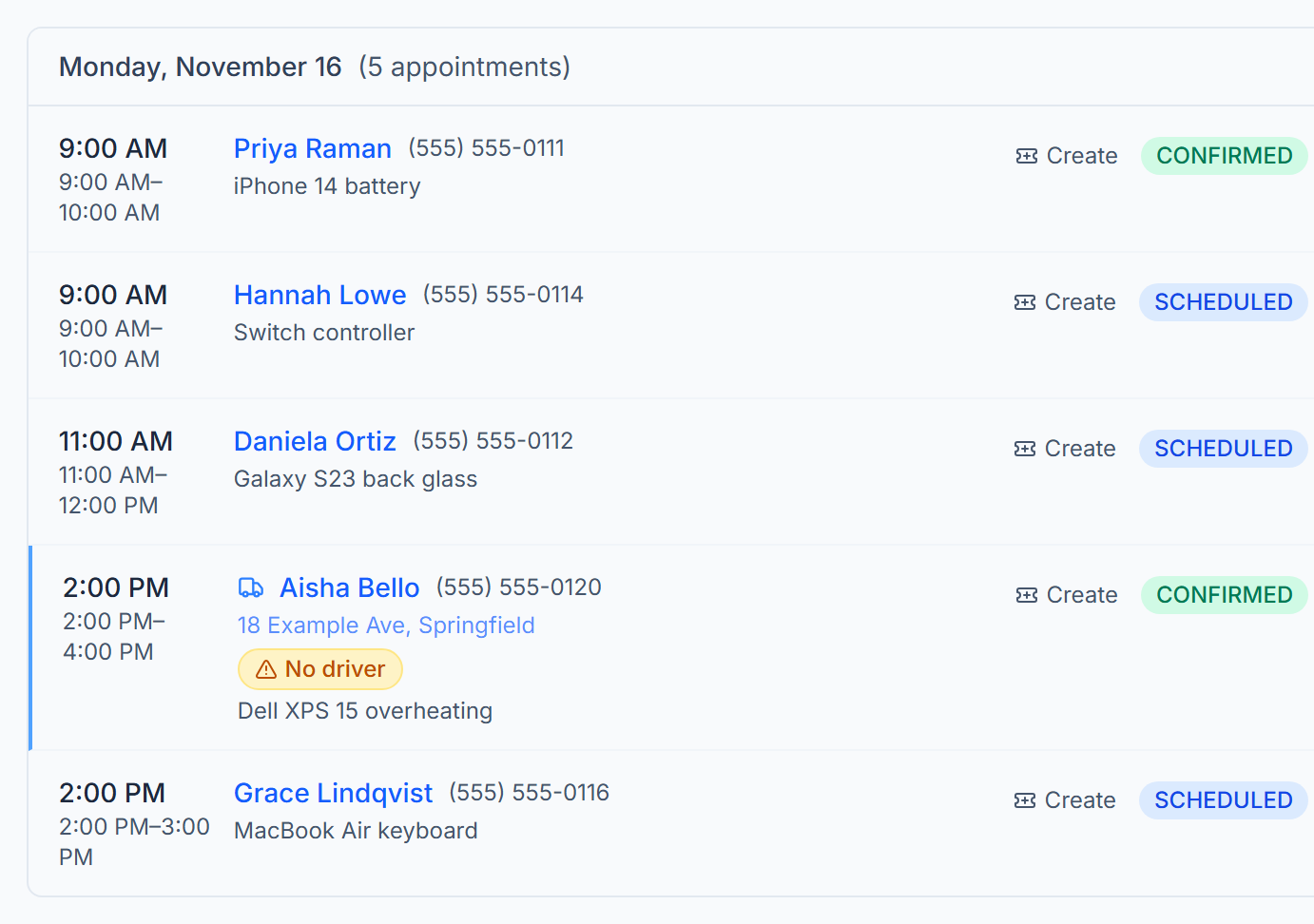
Front desk sees the month's appointments on a calendar. Click a day to see who is coming, start the repair ticket from the visit, and mark it confirmed, completed or a no-show.
Confirm or reschedule by link
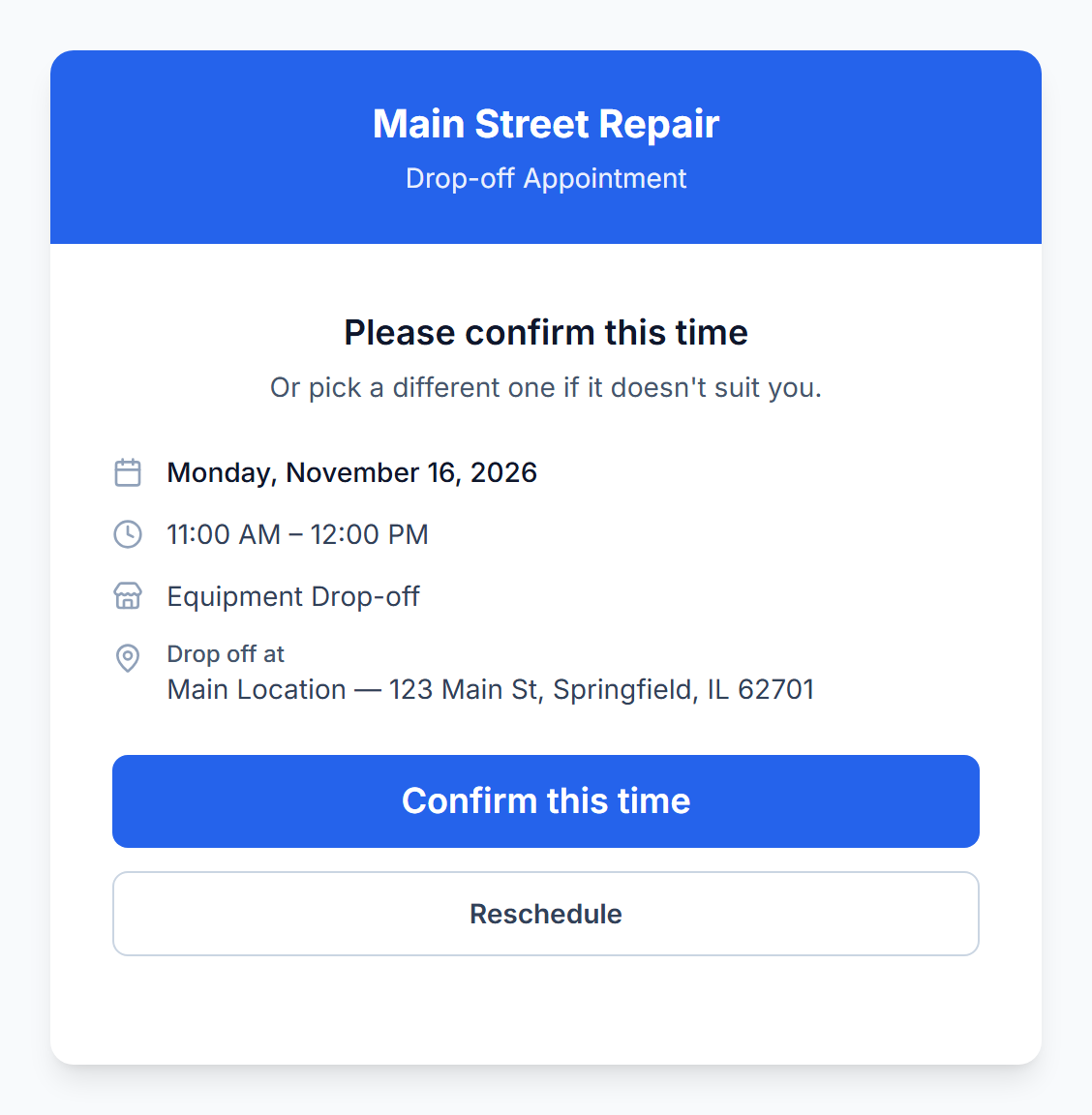
The reminder email has a link the customer uses to confirm the visit or move it to another open time.
Automated reminders
Customers get an email reminder the day before their appointment.
Related features
Repair Status Customer Portal
Customers check repair status, approve estimates and pay invoices online without calling your shop. On Pro, the portal adds booking and your online shop.
Repair Pickup Service Software
Customers book a pickup from their address. You set the service radius and a flat or per-mile fee, and Spekco works out the distance. On Pro.
Multi-Location Repair Shop Management
Run several repair shop locations from one account, each with its own staff, tickets, schedule and register. Up to 5 on Pro, unlimited on Enterprise.
Try Spekco free for 30 days
No setup fees, and nothing is charged until day 30.