
Returns and refunds for your repair shop’s online orders
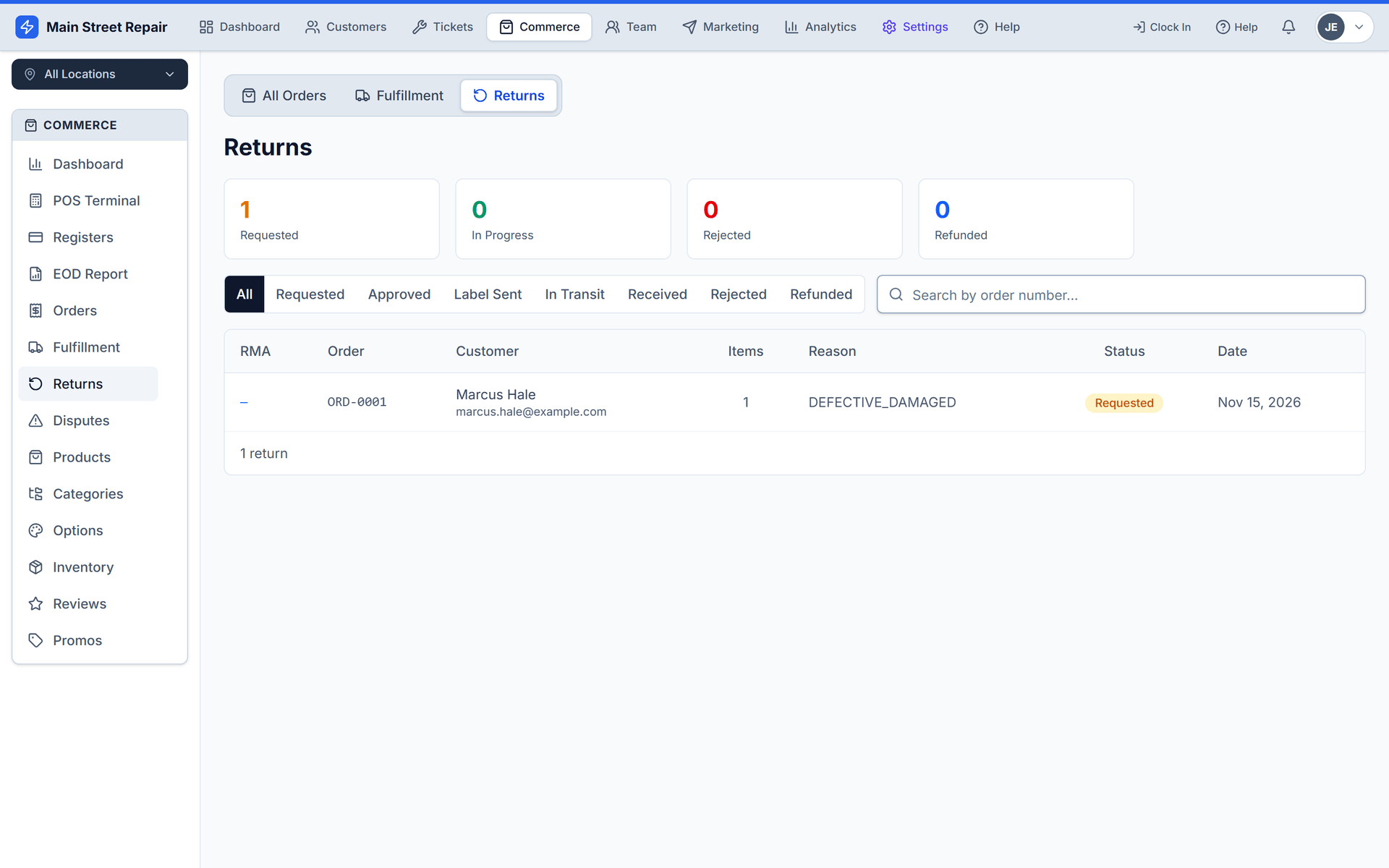
Customers ask for a return from their order in your portal. You approve or decline it, issue the refund, and both sides see the status. On Pro.
What's included in Returns & Refunds
Portal return requests
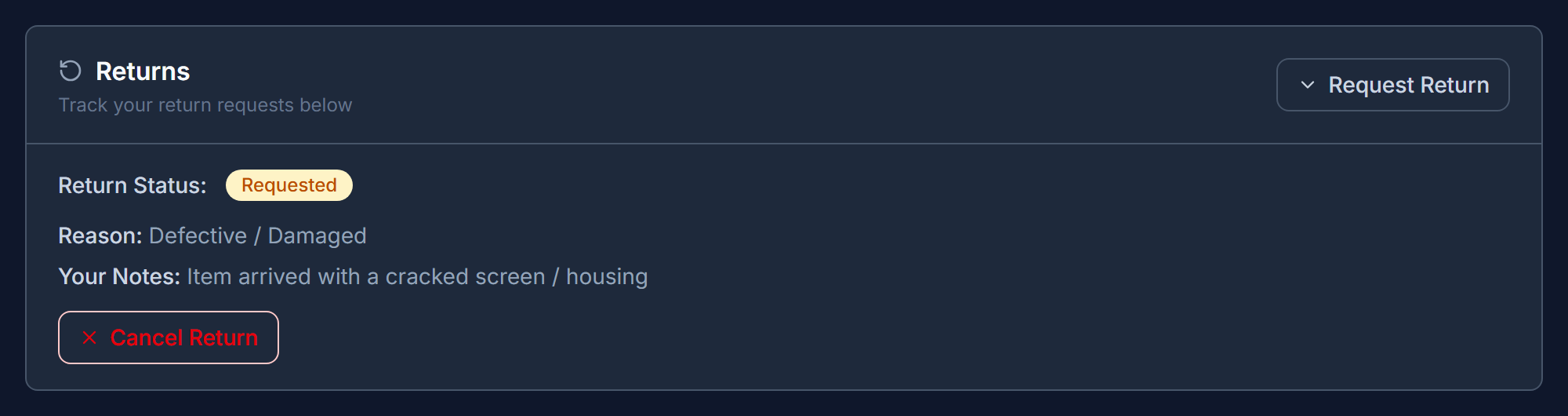
Customers start a return from their order page by choosing the items and giving a reason.
Staff approval queue
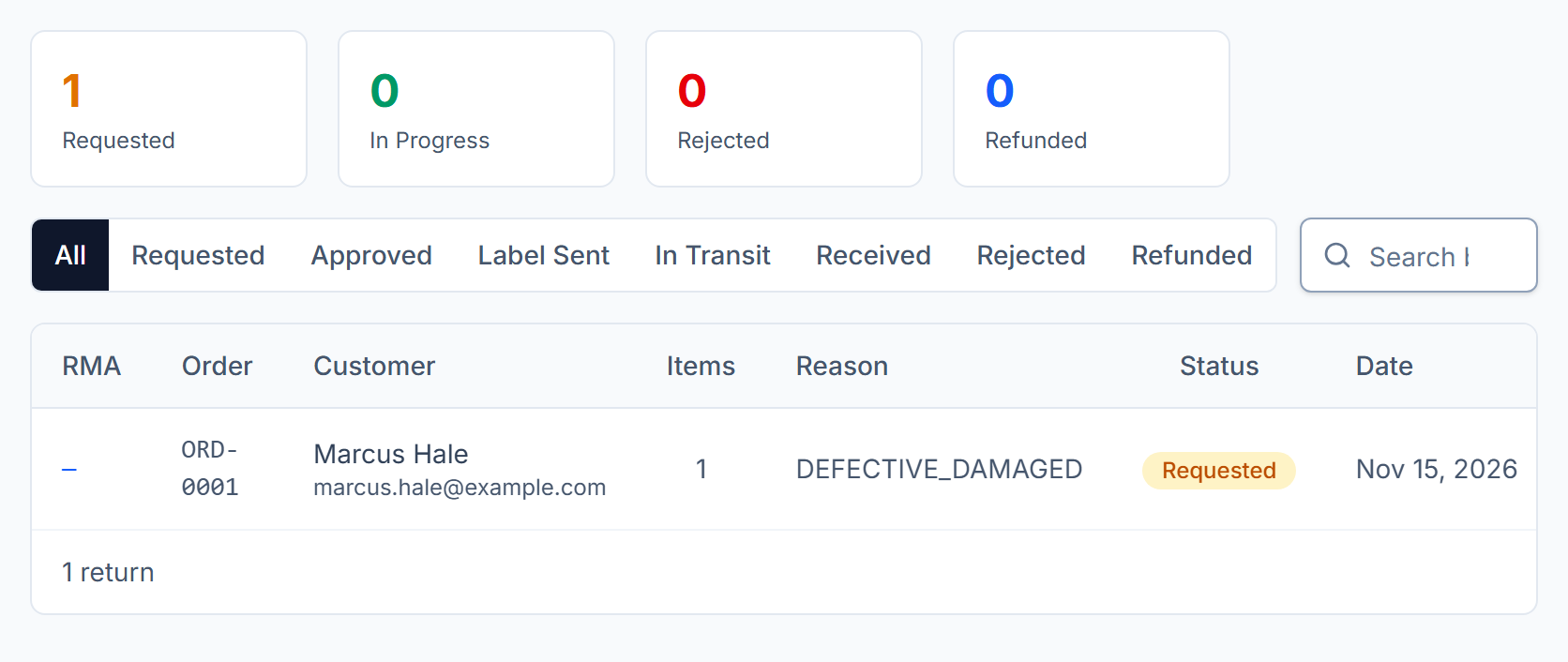
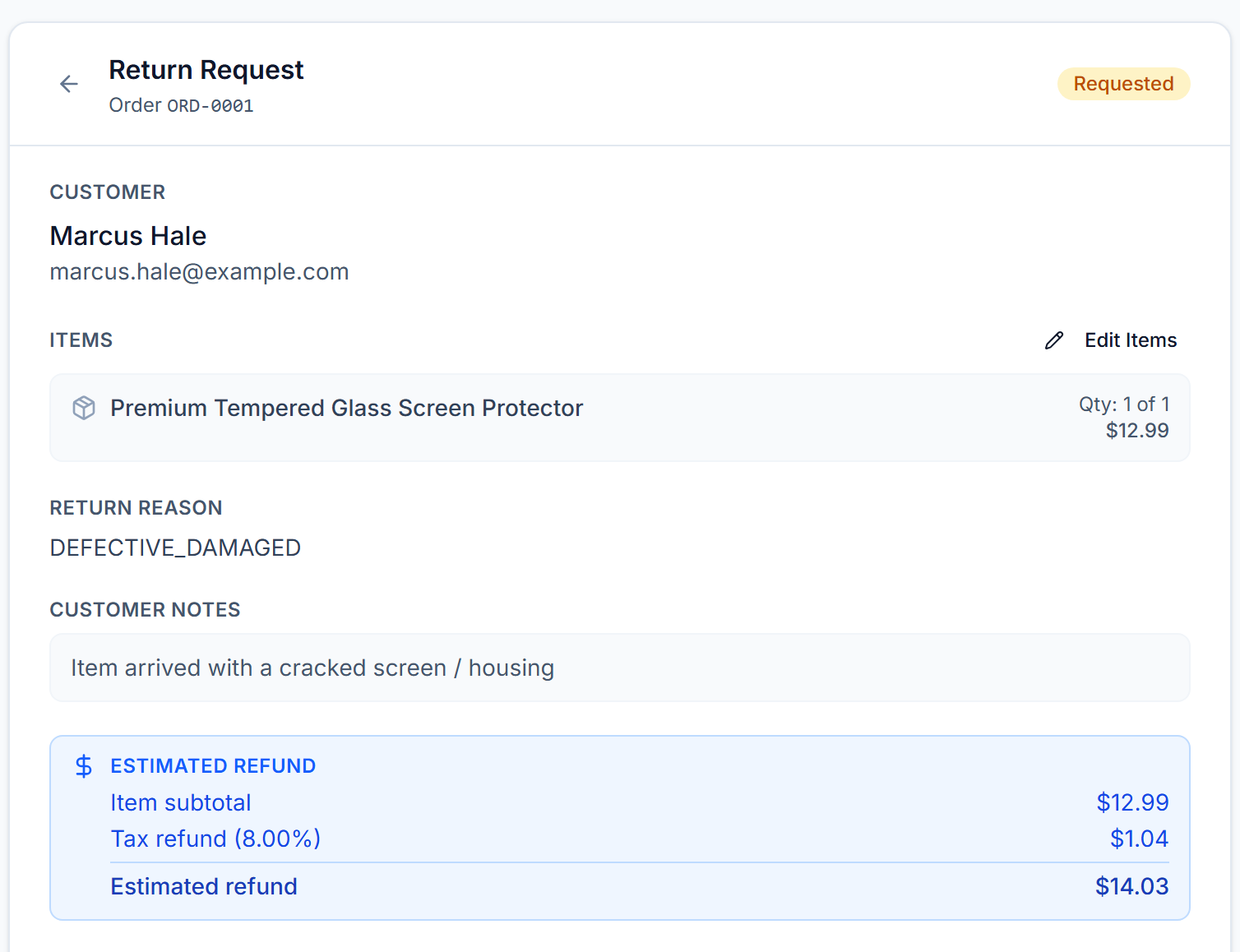
Admins see all pending returns in one queue. Approve, reject with a reason, or issue refund.
Refund processing
When you approve a return, the refund goes back to the card the customer paid with. Partial refunds are supported.
Delivered orders only
Returns are only available for orders marked as Delivered. No returns on pending shipments.
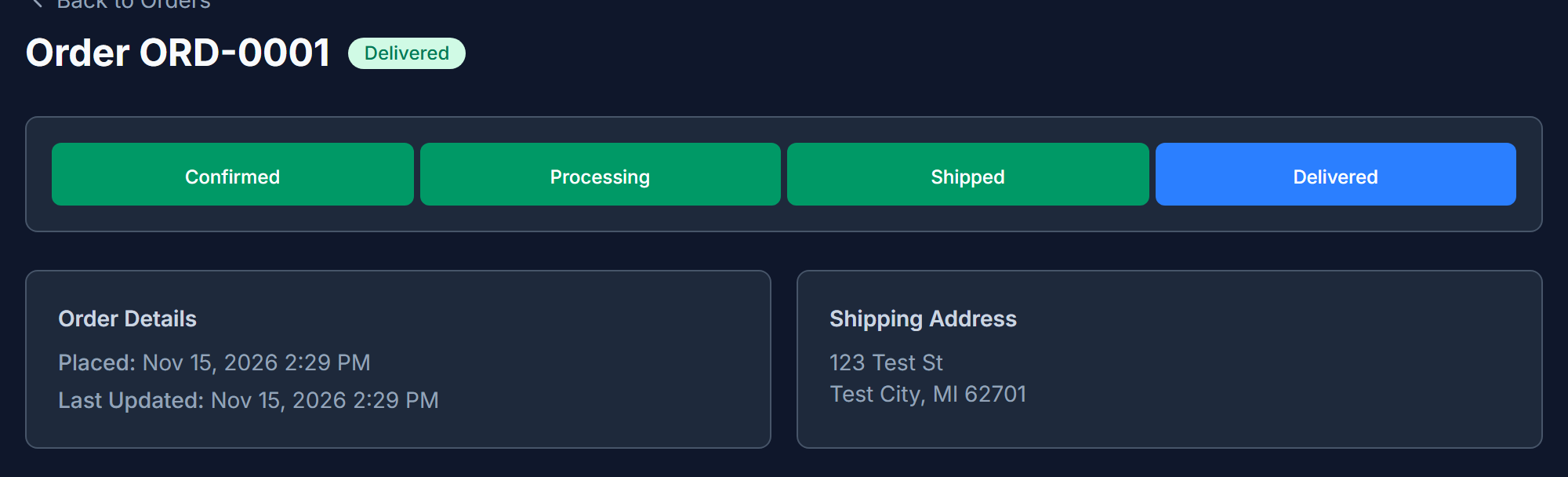
Status tracking
A return moves from Requested to Approved to Refunded, or to Rejected, and the customer sees each step in their portal.
One return per order
One active return per order prevents duplicate claims. Cancel and re-submit if needed.
Related features
Online Store for Repair Shops
Sell accessories, parts, refurbished devices and merchandise in your own online store, with categories, variants, promo codes and card checkout. On Pro.
Repair Shop Payment Processing
Take card payments online and at the counter through your own Stripe or Square account. Spekco takes no percentage of your sales.
Product Reviews for Repair Shops
Customers review the products in your online store. You approve, answer and feature reviews, or let them post automatically. On Pro.
Try Spekco free for 30 days
No setup fees, and nothing is charged until day 30.