
A repair shop CRM with each customer’s repairs, orders and payments in one profile
See each customer’s repairs, orders, payments and equipment in one profile, with a timeline of every visit. Tags and segments are on Pro.
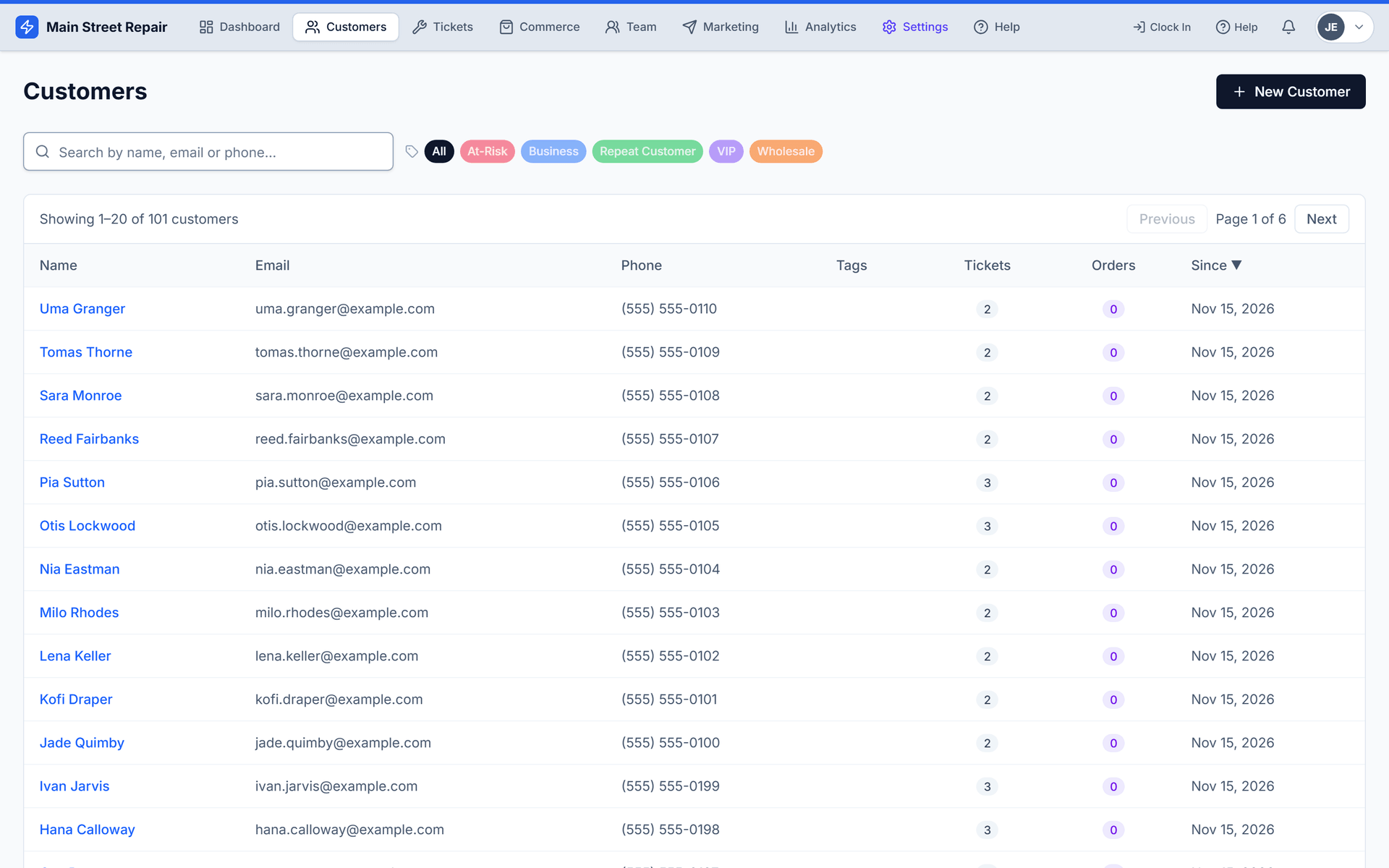
What's included in Customer CRM
One page per customer
Repair tickets, shop orders, register sales and portal activity are all on the customer's page.
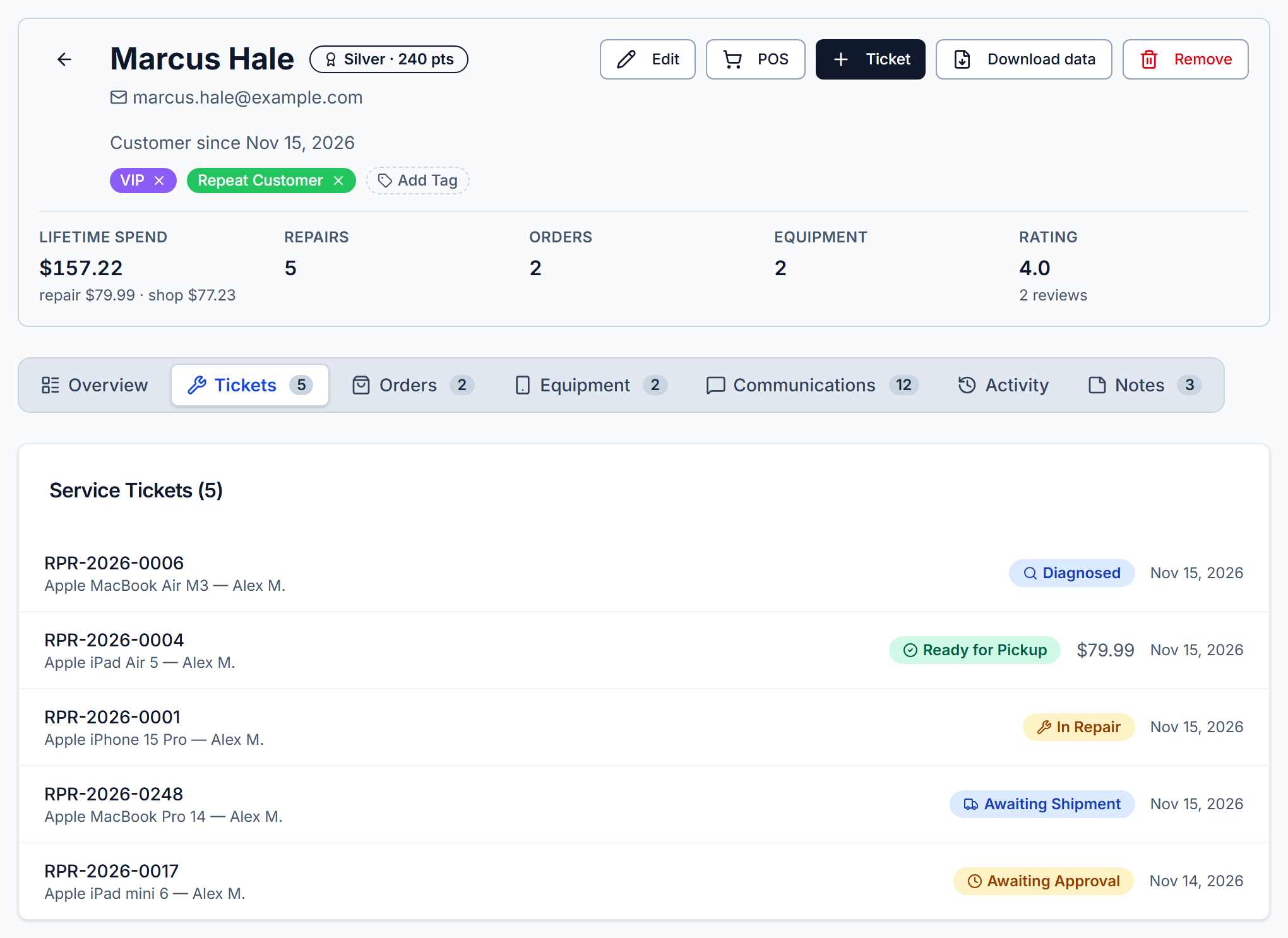
Revenue summary
See what each customer has spent with you in total, and who your best customers are.
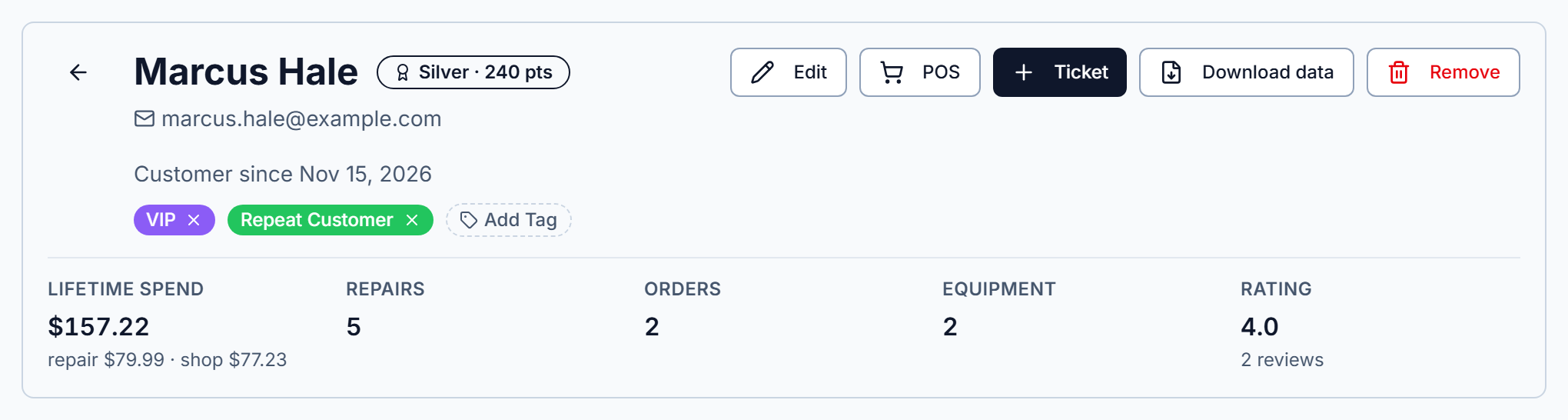
Equipment registry
See all devices a customer has registered. Link equipment to tickets for faster intake.
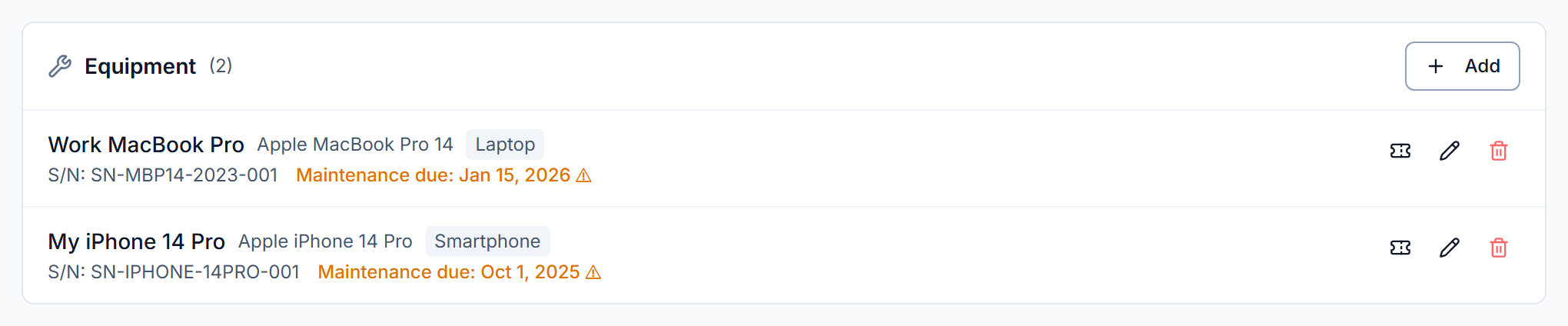
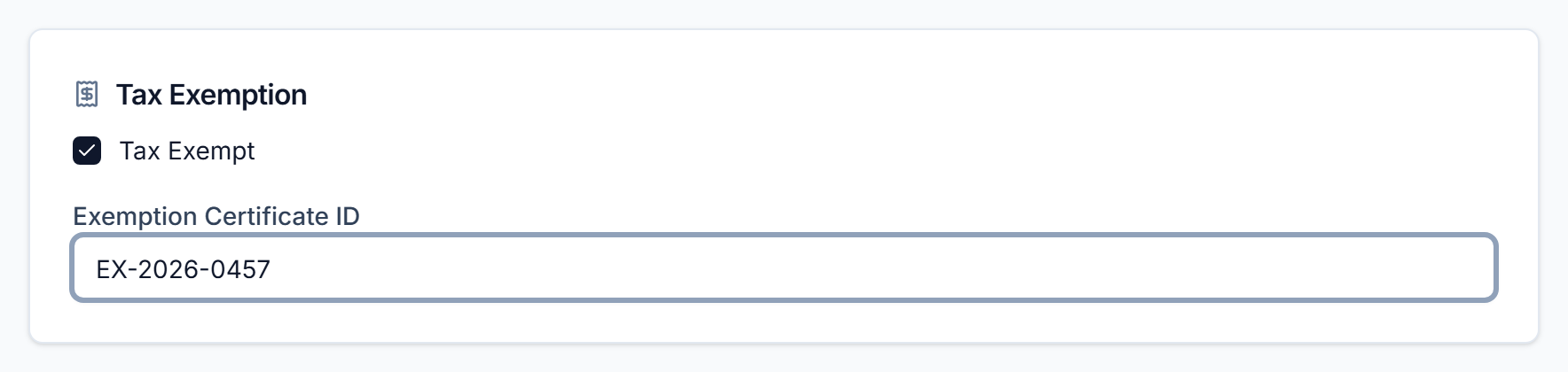
Tax exemption
Mark customers as tax-exempt with a certificate ID. Tax is automatically skipped on their orders.
Contact management
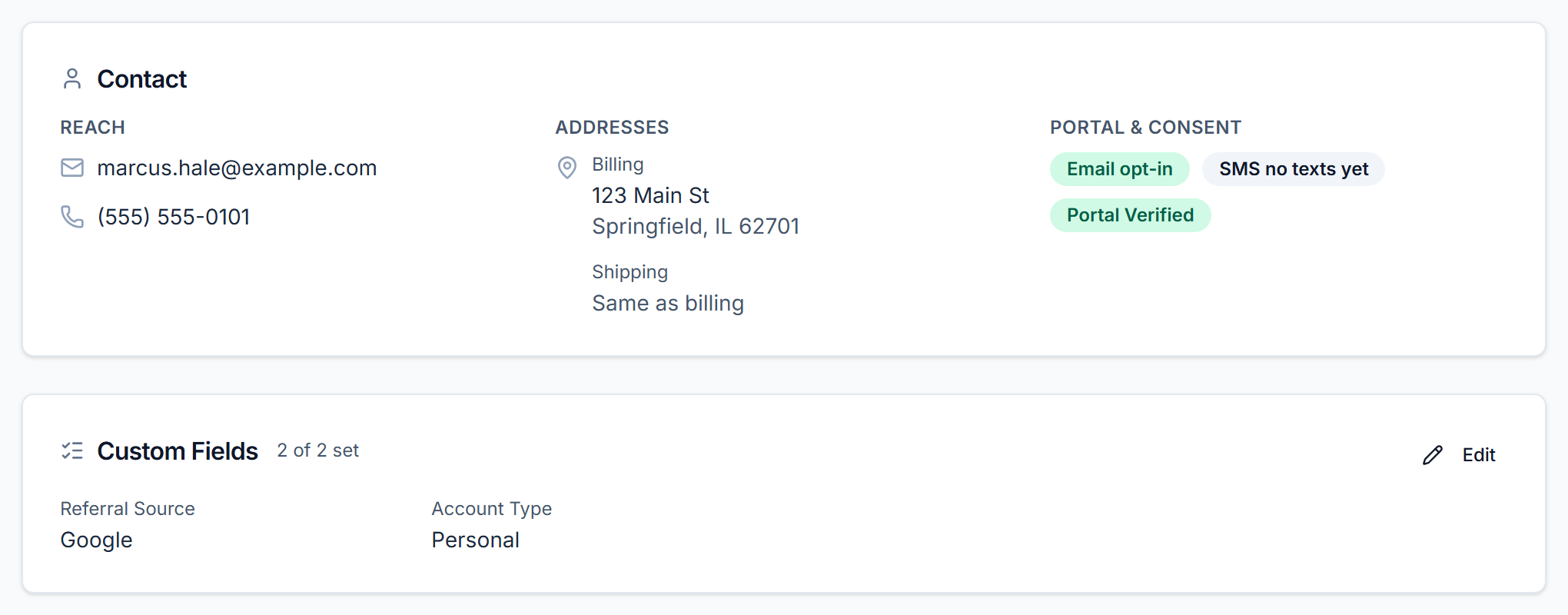
Email, phone, address, and notes per customer. Search and filter your entire customer database.
Activity timeline
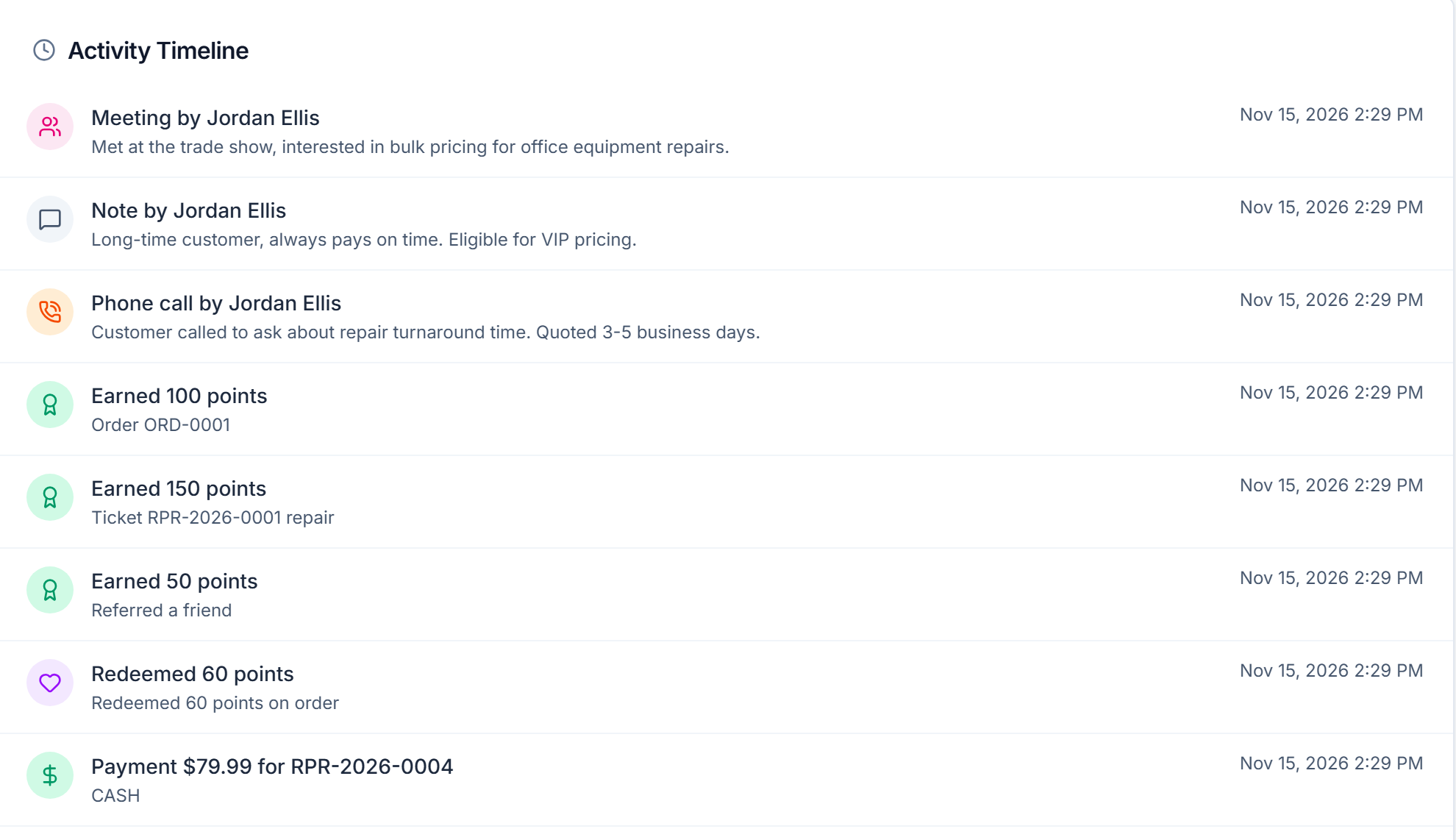
Chronological timeline of every ticket, order, payment, and interaction for each customer.
How a customer's record builds up
You do not keep the record up by hand. It fills in as you do the work.
Step 1
The first visit
Add the customer while you write their first ticket, or at the register while you ring up a sale. A name, an email and a phone number are enough to start.
Step 2
Each repair and sale
Every ticket, order and register sale with the customer on it is added to their page, along with the messages between you.
Step 3
Their equipment
The items a customer has brought in stay on their profile. On the next ticket, your staff pick the item instead of typing it again.
Step 4
The next time they call
Search by name, email or phone and the history is on one page: what you repaired, what they bought, what they paid and what was said.
What a repair shop needs from a CRM
A sales team's CRM tracks leads and deals. A repair shop needs something else: when a customer calls, whoever answers should see what the shop has repaired for them, what it cost, and whether anything is still on the bench.
In Spekco that page is built from the tickets and the register, because they are one system. Nothing is copied from one program to another.
Each profile holds contact details, addresses, equipment, repair history, order history and messages. A customer can have several emails and phone numbers, with one marked as the main one, and a business name.
Consent and your data
The contact card records the customer's consent to email and, if you use texting, to text messages. A customer who has opted out of email is not emailed, and a text is sent only to a customer who agreed to texts.
The data is yours. An admin can download the shop's customers, orders and tickets as spreadsheets at any time.
Questions about a repair shop CRM
- How many customers can I keep in Spekco?
- As many as you have. Customers are unlimited on every plan.
- Is the CRM included in every plan?
- Customer profiles, with their repairs, orders and payments, are on every plan. Tags, segments and your own custom fields for customers are on Pro.
- Can I group customers, such as business accounts?
- On Pro, yes. Tags are labels you make, like VIP or Business Account. Segments are groups that fill themselves by a rule, such as customers with more than three repairs, and a marketing campaign can be sent to one.
- Can I move my customer list from the system I use now?
- Yes. If you are moving from another system, we move your data for you.
- What can a customer do for themselves?
- With an account on your site, a customer can track a repair, approve or decline an estimate and message your staff. Without an account they can still pay an invoice from the link in the email.
- Can I get my customer data out of Spekco?
- Yes. An admin can download customers, orders and tickets as spreadsheets that open in Excel, Numbers or Google Sheets.
Related features
Repair Ticket Software
Repair ticket software and repair tracking in one ticketing system, with a status for every stage, technician assignment and automatic customer updates.
Repair Status Customer Portal
Customers check repair status, approve estimates and pay invoices online without calling your shop. On Pro, the portal adds booking and your online shop.
Repair Shop Reports and Technician Productivity
Revenue, technician productivity, ticket volume and sales by channel for your repair shop. Basic reports are on every plan, advanced reports on Pro.
Try Spekco free for 30 days
No setup fees, and nothing is charged until day 30.