
Sales tax for repair shops, set by location or looked up by ZIP code
Set a sales tax rate for each location, or have it looked up by address or ZIP code. Handles tax-exempt customers and non-taxable items. On Pro.
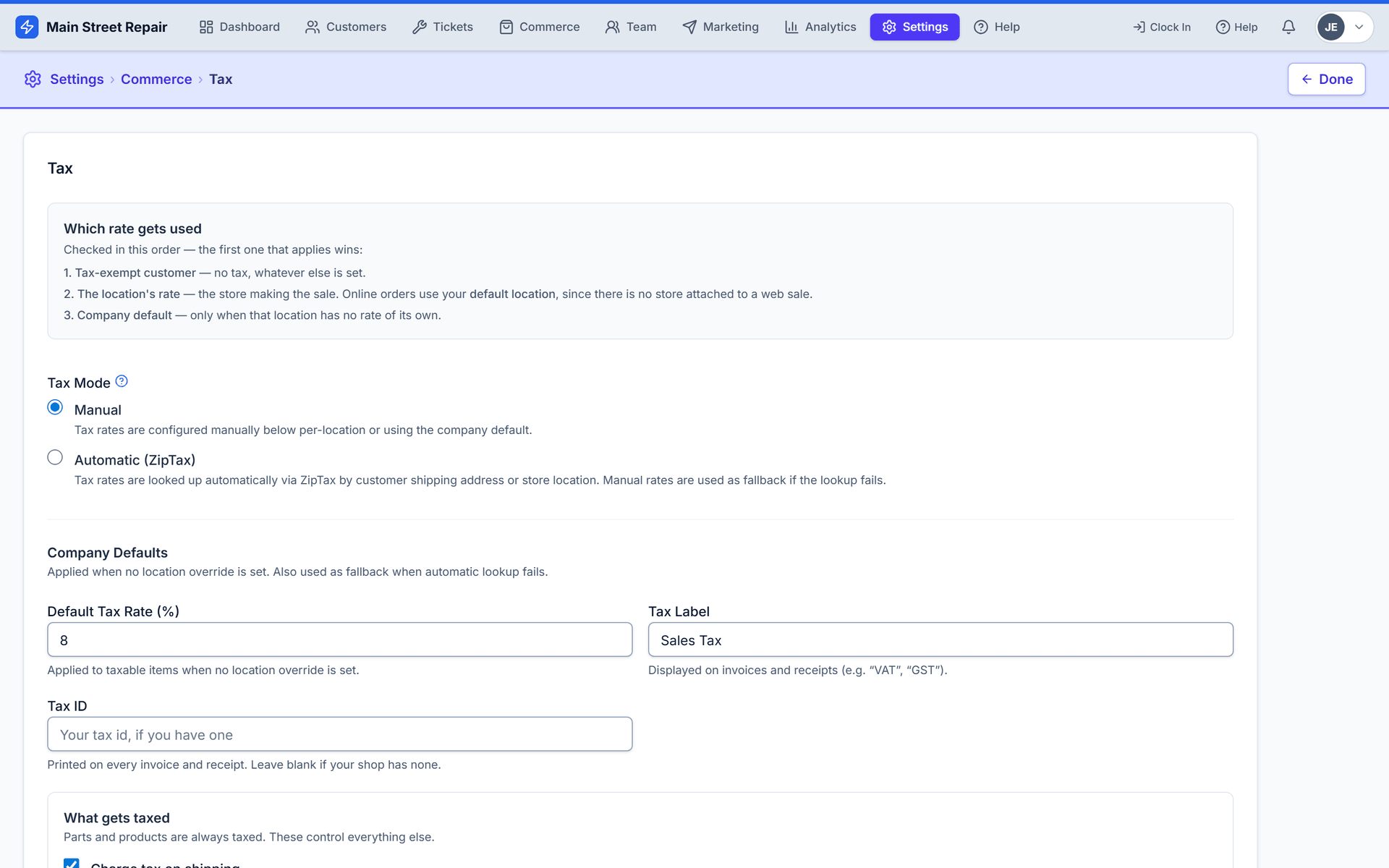
What's included in Tax Management
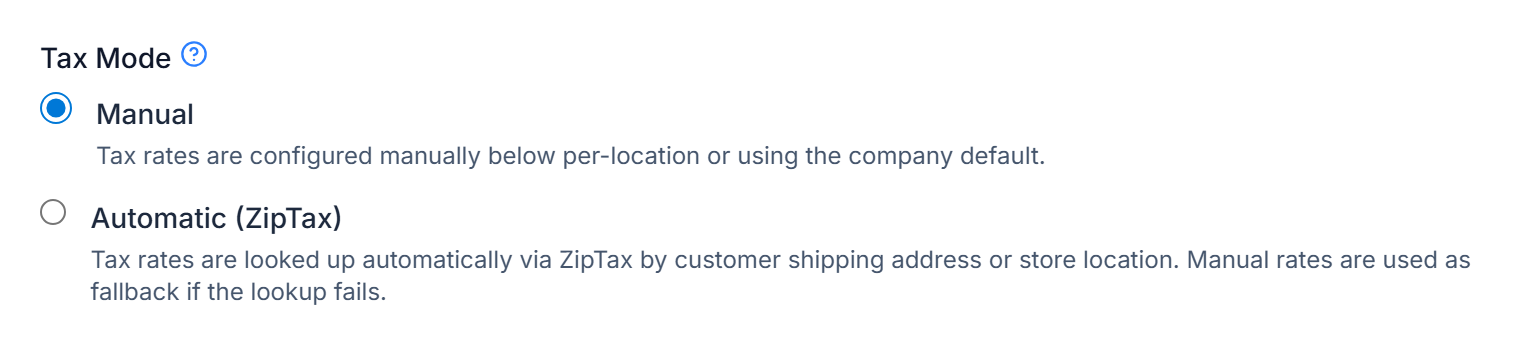
Two ways to set tax
Enter the rate for each location yourself, or have it looked up automatically through ZipTax. You can switch at any time.
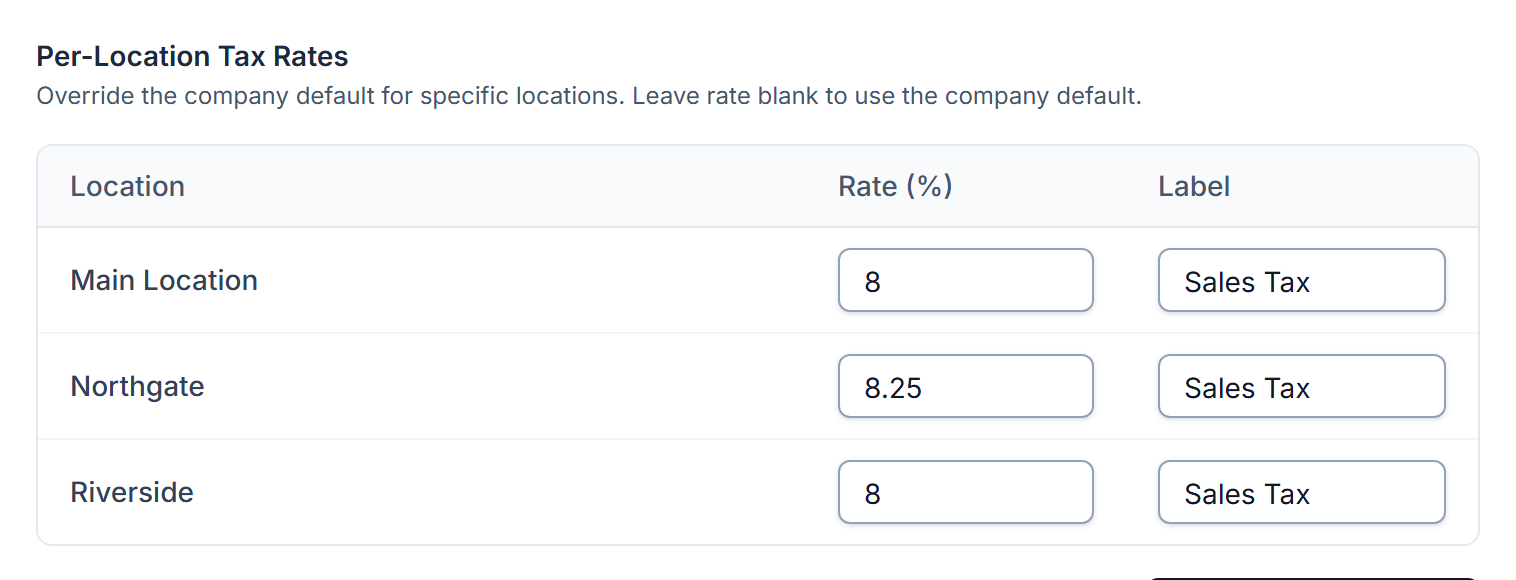
Per-location rates
Set a different tax rate and label for each location.
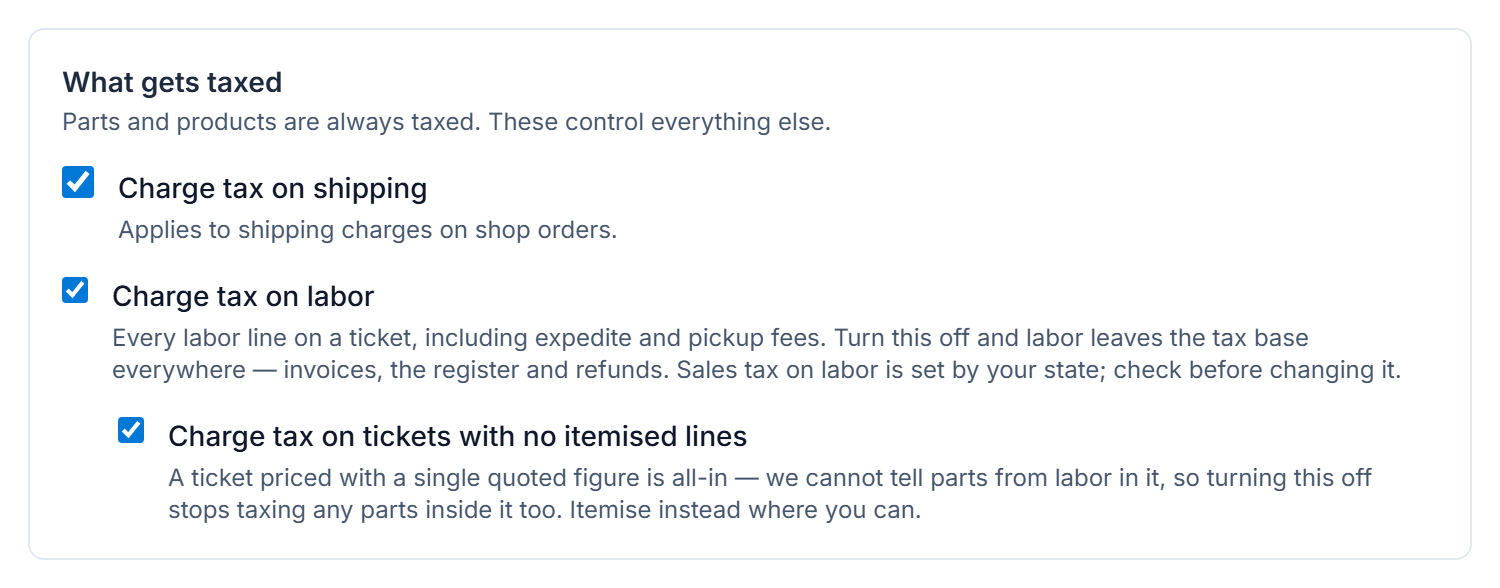
Product taxable flag
Mark individual products as taxable or non-taxable. Services and parts can have different tax treatment.
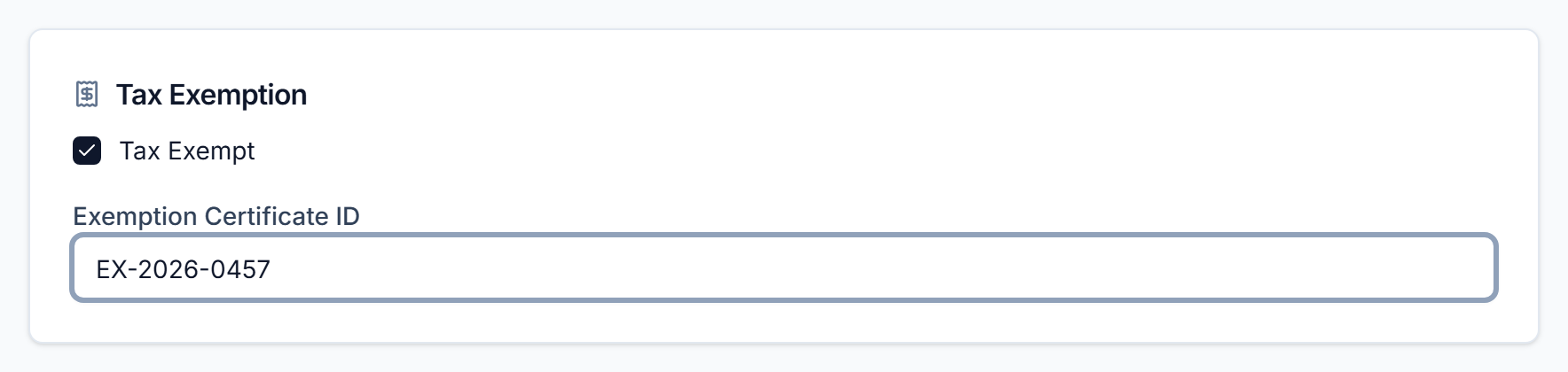
Customer exemption
Mark customers as tax-exempt with a certificate ID. Tax skipped automatically on all their orders.
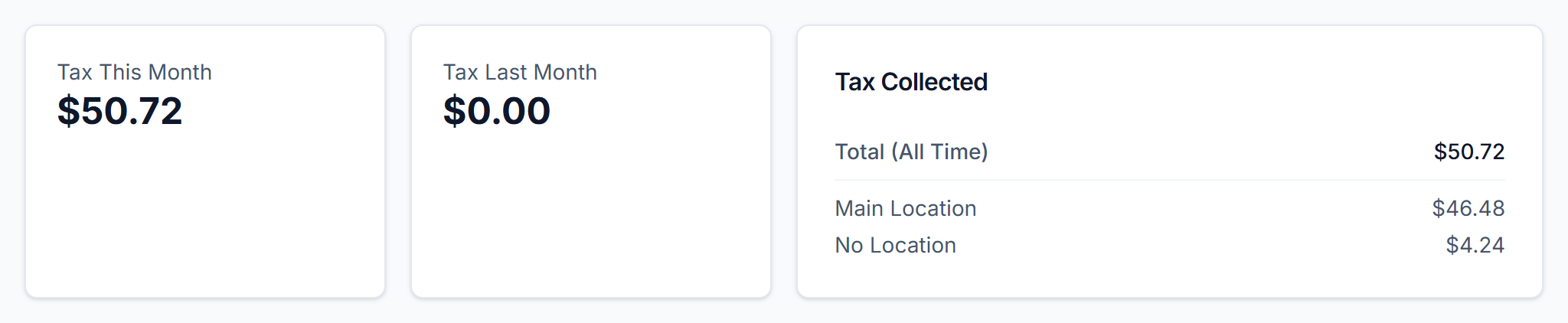
Tax reporting
See the tax collected this month, last month and in total, split by location, and export it for your accountant.
Automatic rates
Spekco looks up the sales tax rate for the customer's address or ZIP code through ZipTax.
Related features
Repair Shop Payment Processing
Take card payments online and at the counter through your own Stripe or Square account. Spekco takes no percentage of your sales.
Multi-Location Repair Shop Management
Run several repair shop locations from one account, each with its own staff, tickets, schedule and register. Up to 5 on Pro, unlimited on Enterprise.
Repair Shop Reports and Technician Productivity
Revenue, technician productivity, ticket volume and sales by channel for your repair shop. Basic reports are on every plan, advanced reports on Pro.
Try Spekco free for 30 days
No setup fees, and nothing is charged until day 30.