
Keep a record of every device your repair customers own
Customers register their devices, so check-in is faster, purchase dates are on file and maintenance reminders go out by email. On Pro.
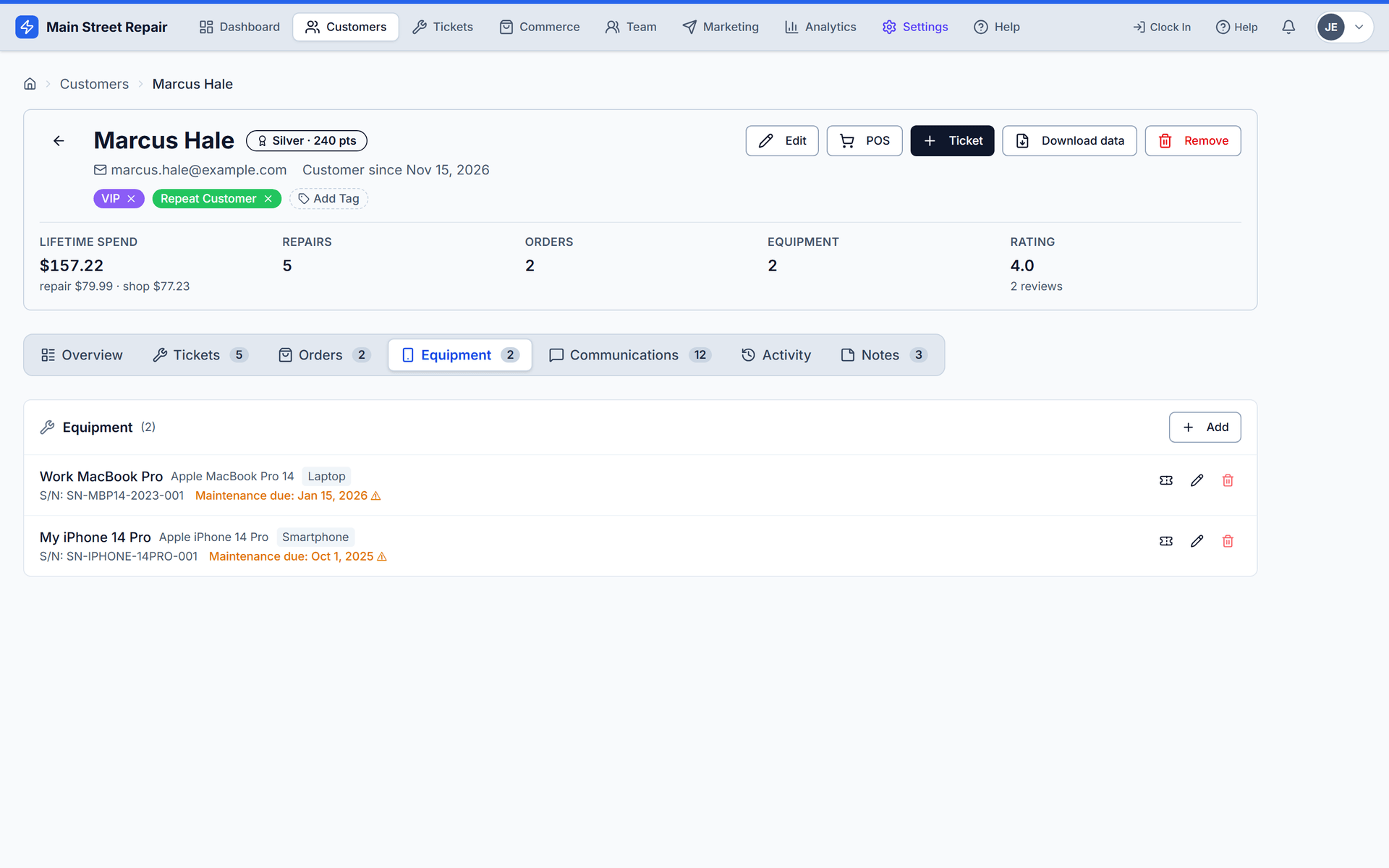
What's included in Equipment Tracking
Device registry
Customers register devices with make, model and serial number through their portal. Staff can add the purchase date.
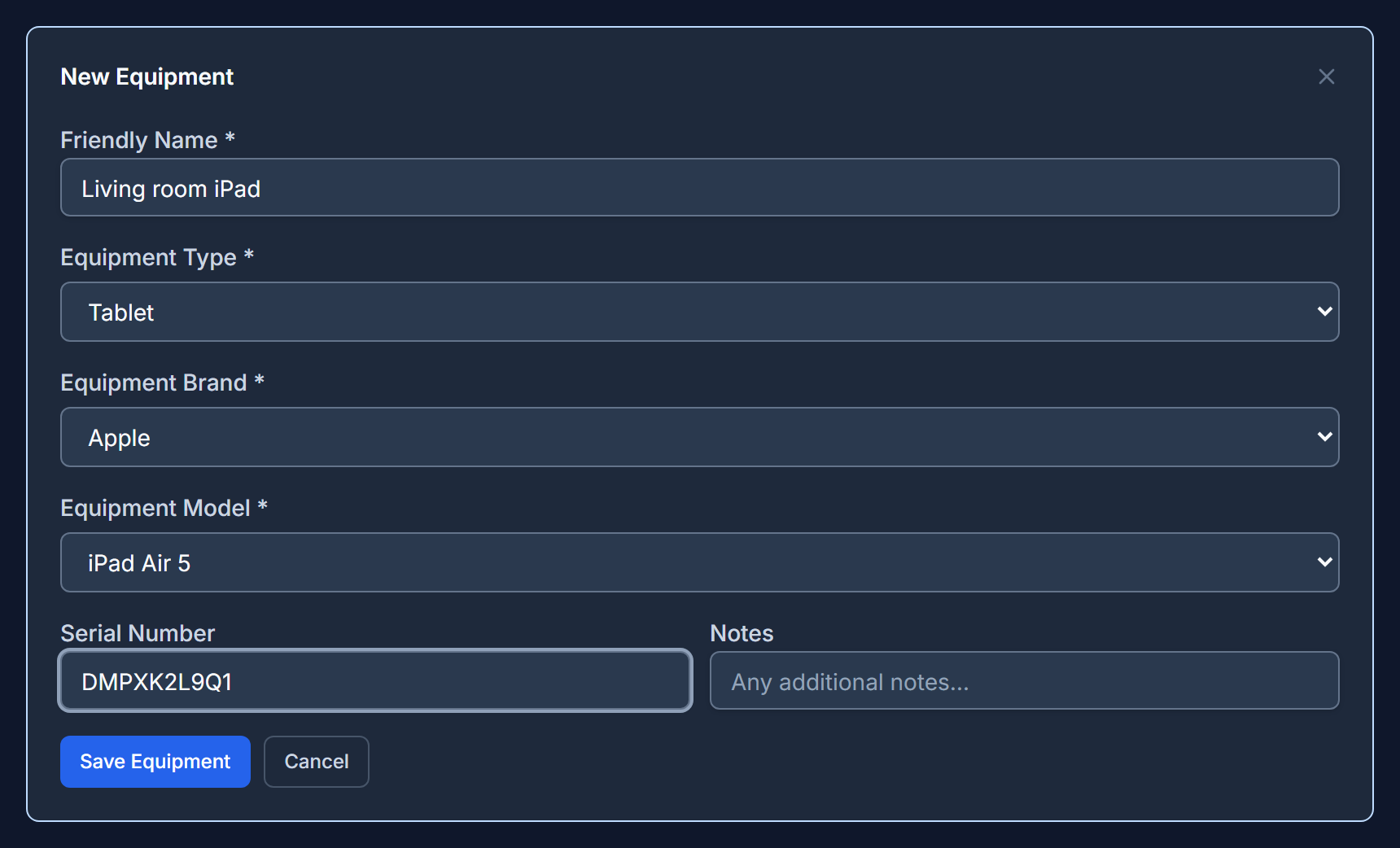
Purchase date on file
Keep each device's purchase date with its serial number, so a warranty question can be answered from the record.
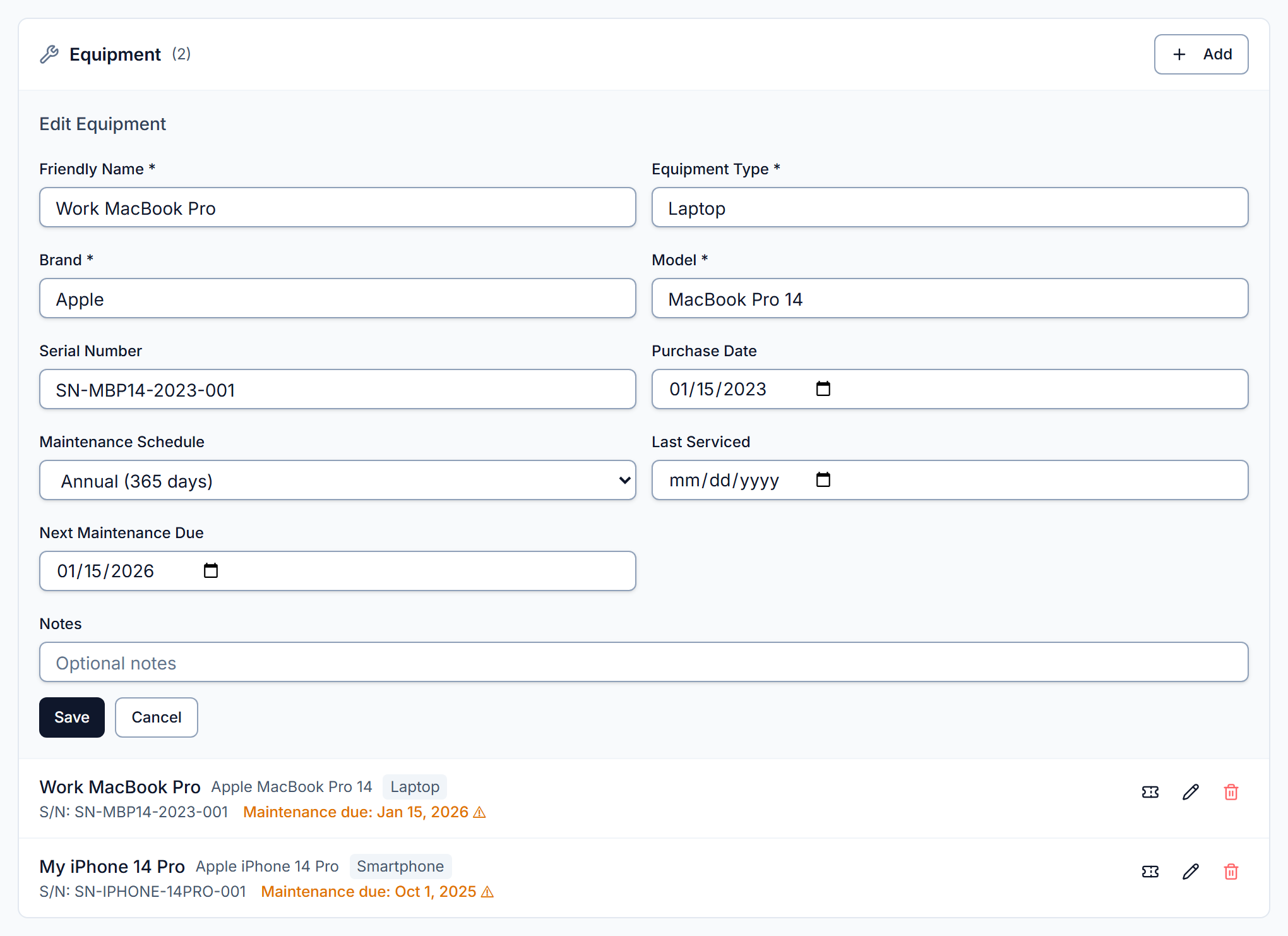
Maintenance reminders
Customers are emailed when scheduled maintenance is due, such as a tune-up or an annual service.
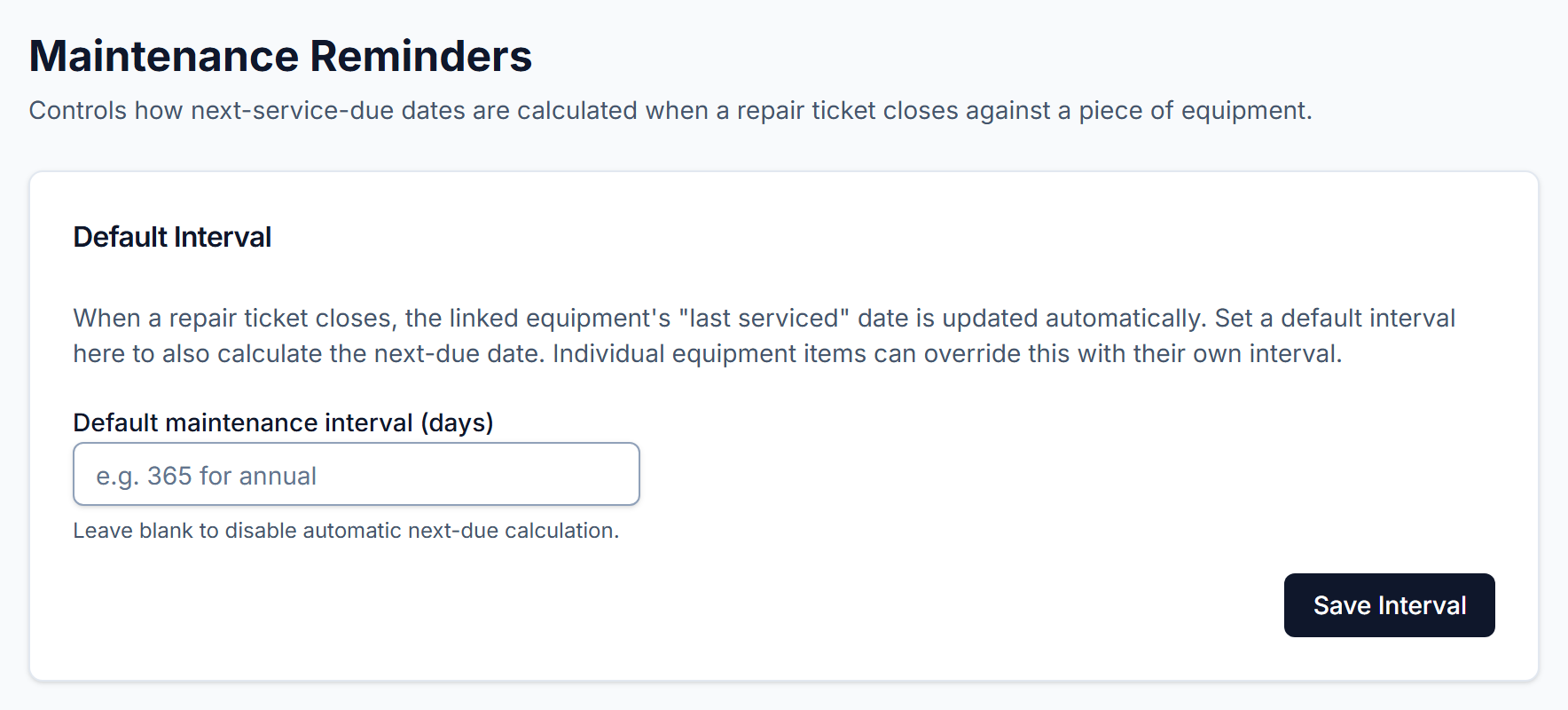
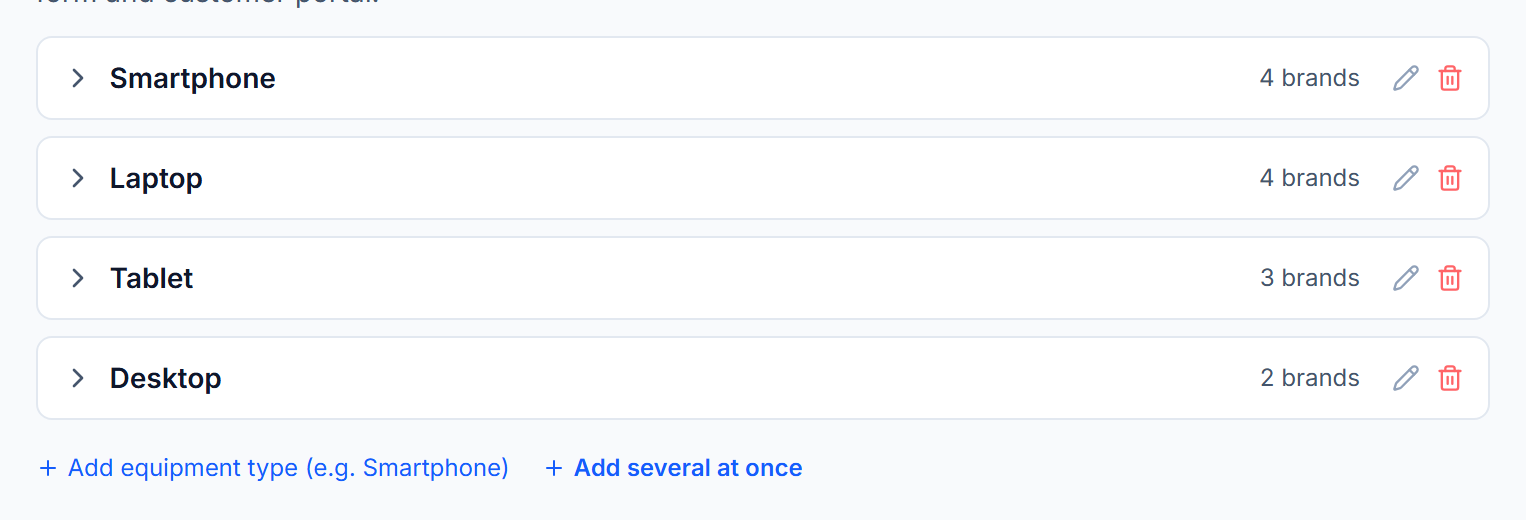
Equipment catalog
You set the list of equipment types and brands, and customers pick from it when they register a device.
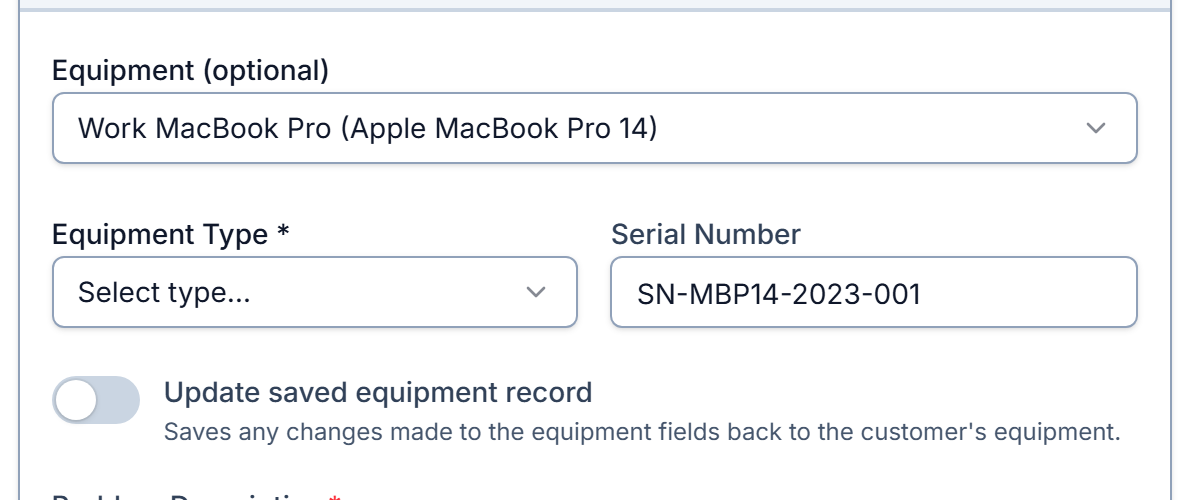
Linked tickets
When a customer brings in a registered device, the ticket is linked to its record.
Service history
Full repair history per device. See every ticket, part used, and cost associated with a specific piece of equipment.
Related features
Repair Shop CRM
See each customer’s repairs, orders, payments and equipment in one profile, with a timeline of every visit. Tags and segments are on Pro.
Repair Ticket Software
Repair ticket software and repair tracking in one ticketing system, with a status for every stage, technician assignment and automatic customer updates.
Repair Status Customer Portal
Customers check repair status, approve estimates and pay invoices online without calling your shop. On Pro, the portal adds booking and your online shop.
Try Spekco free for 30 days
No setup fees, and nothing is charged until day 30.