
Repair shop employee management with schedules, timesheets and time off
Keep employee records, set what each role can see, build the weekly schedule, approve timesheets and time off, and export hours for payroll.
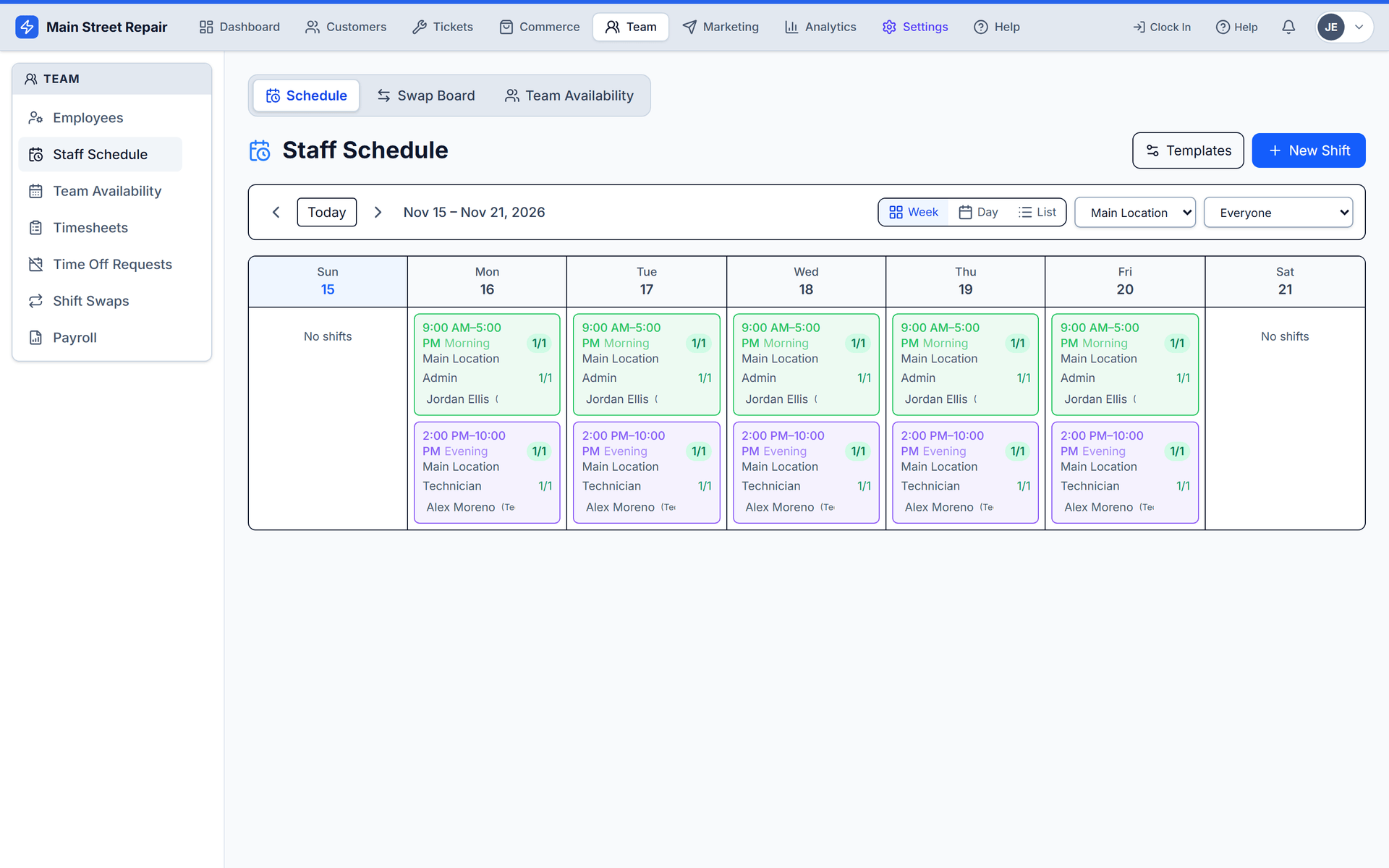
What's included in Staff Management
Employee profiles
Keep each employee's contact details, hire date, pay rate and locations in one record.
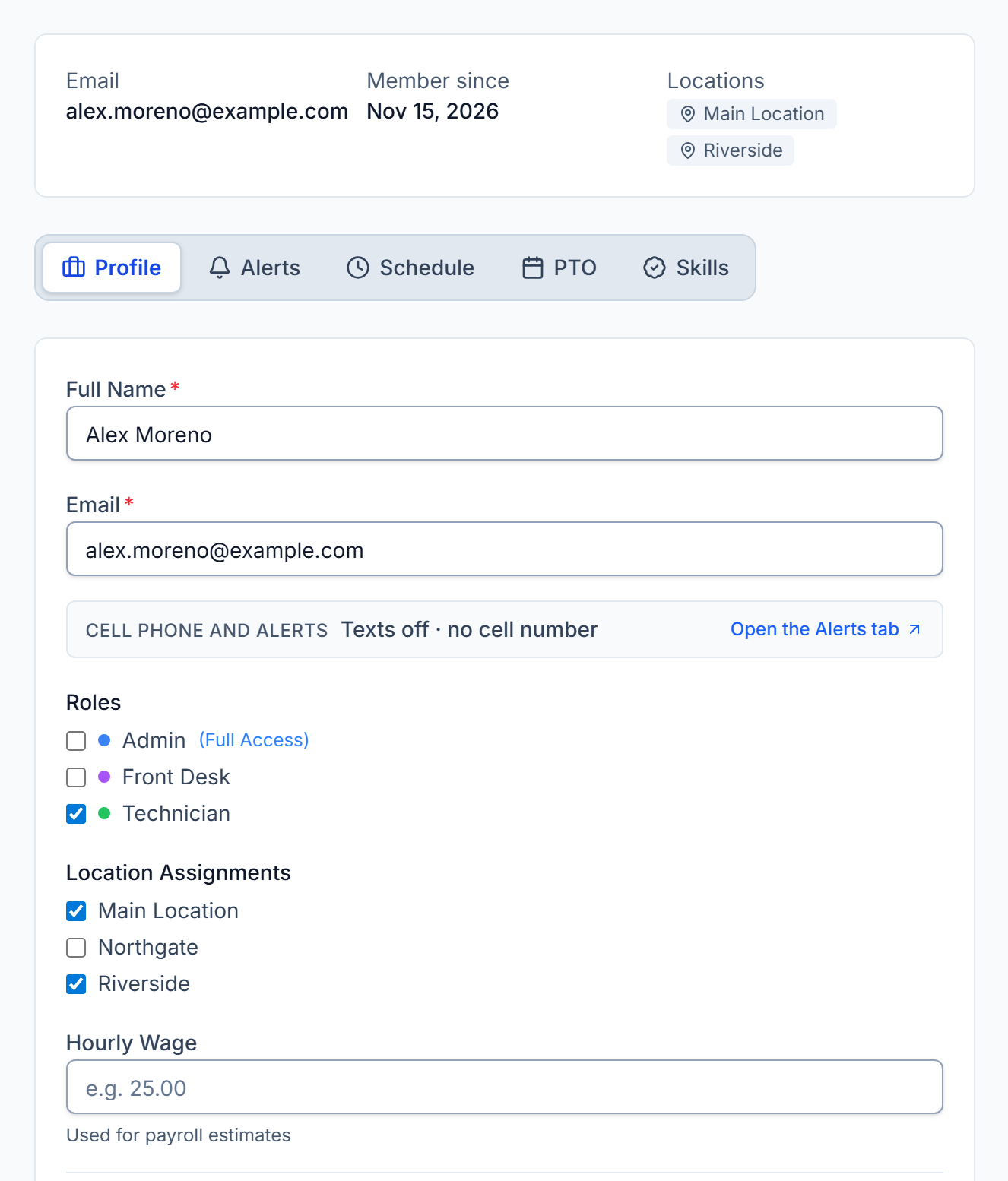
Role-based access
Admin, Technician, and Front Desk roles with granular permissions. Staff see only what they need.
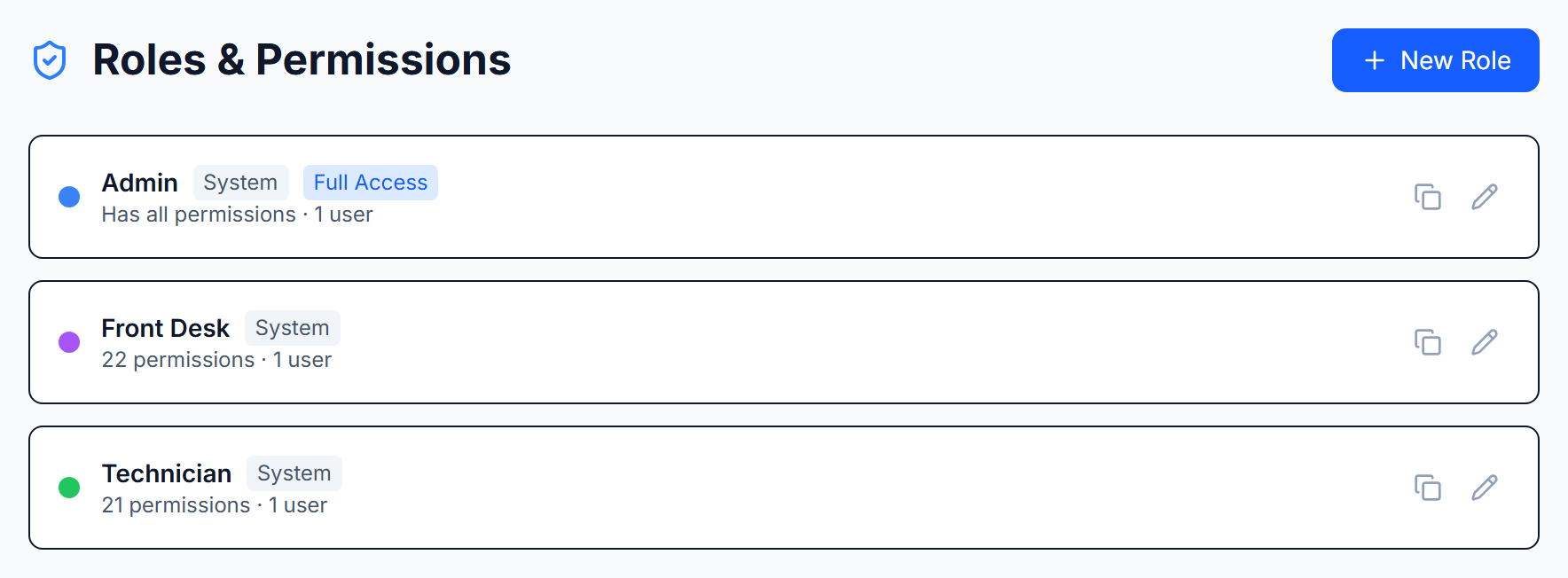
Staff scheduling
Build weekly schedules per location. Assign shifts, manage coverage, and handle swap requests.
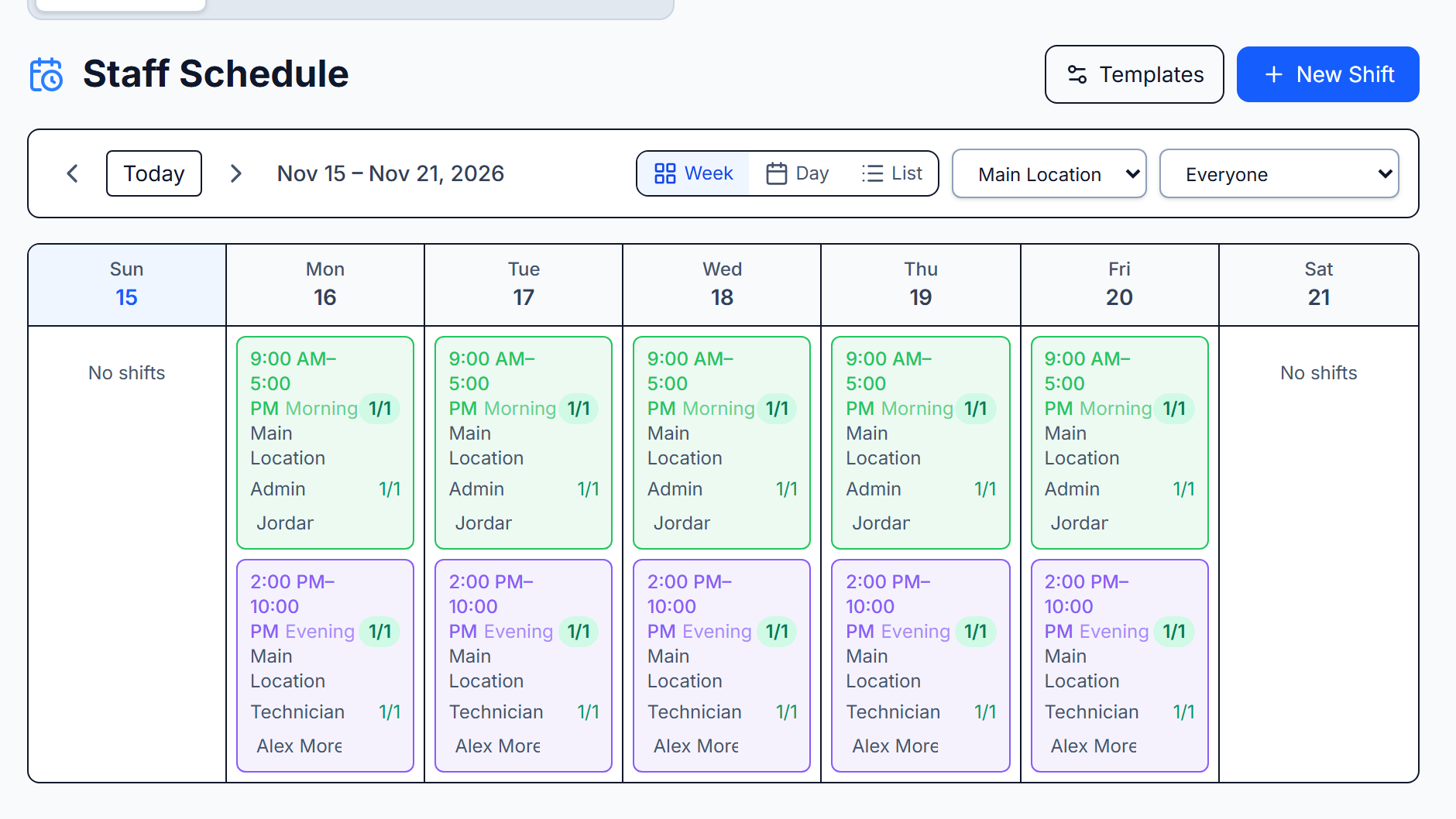
Timesheets
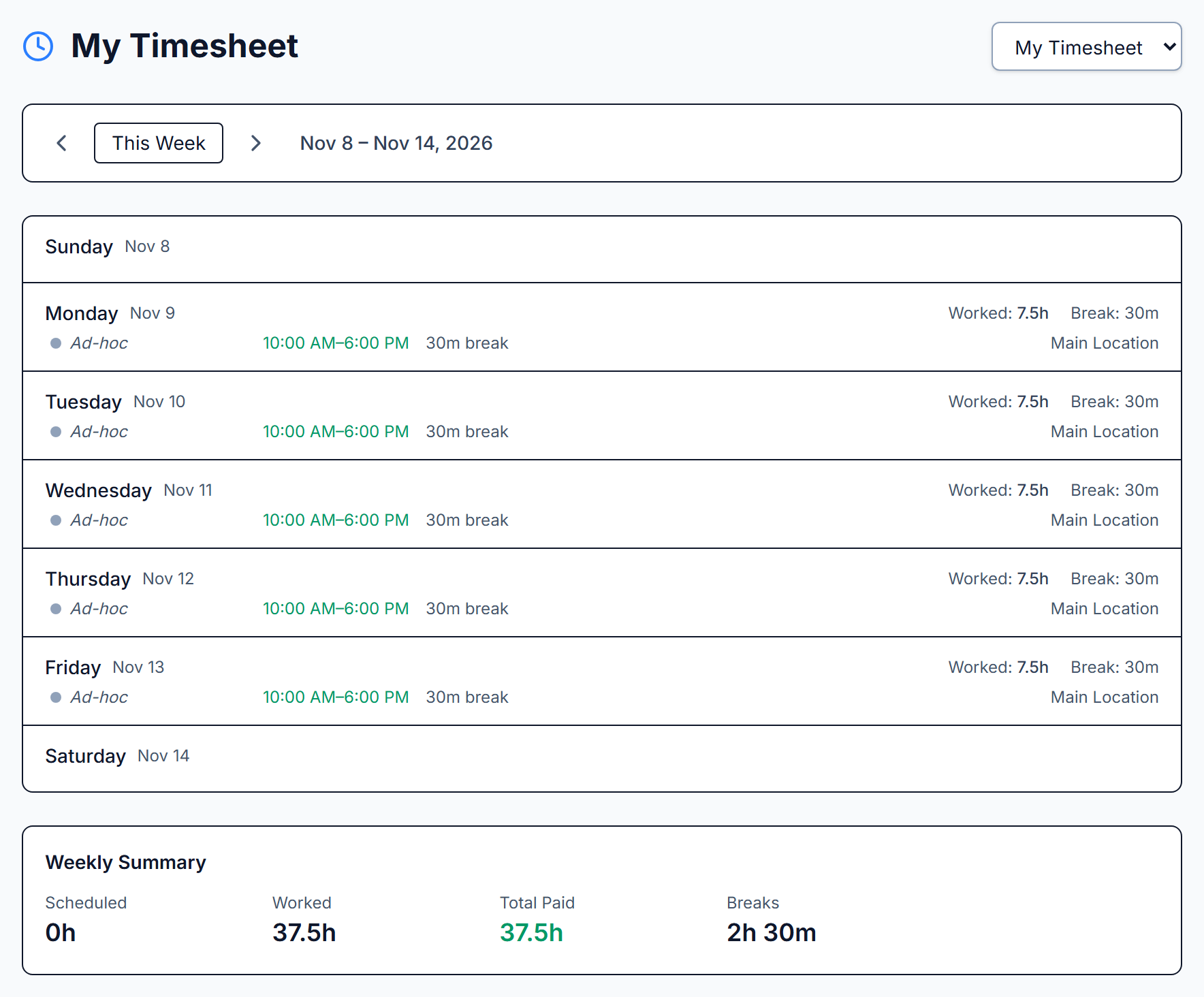
Staff clock in and out. Managers review and approve timesheets. Overtime calculated automatically.
Time-off requests
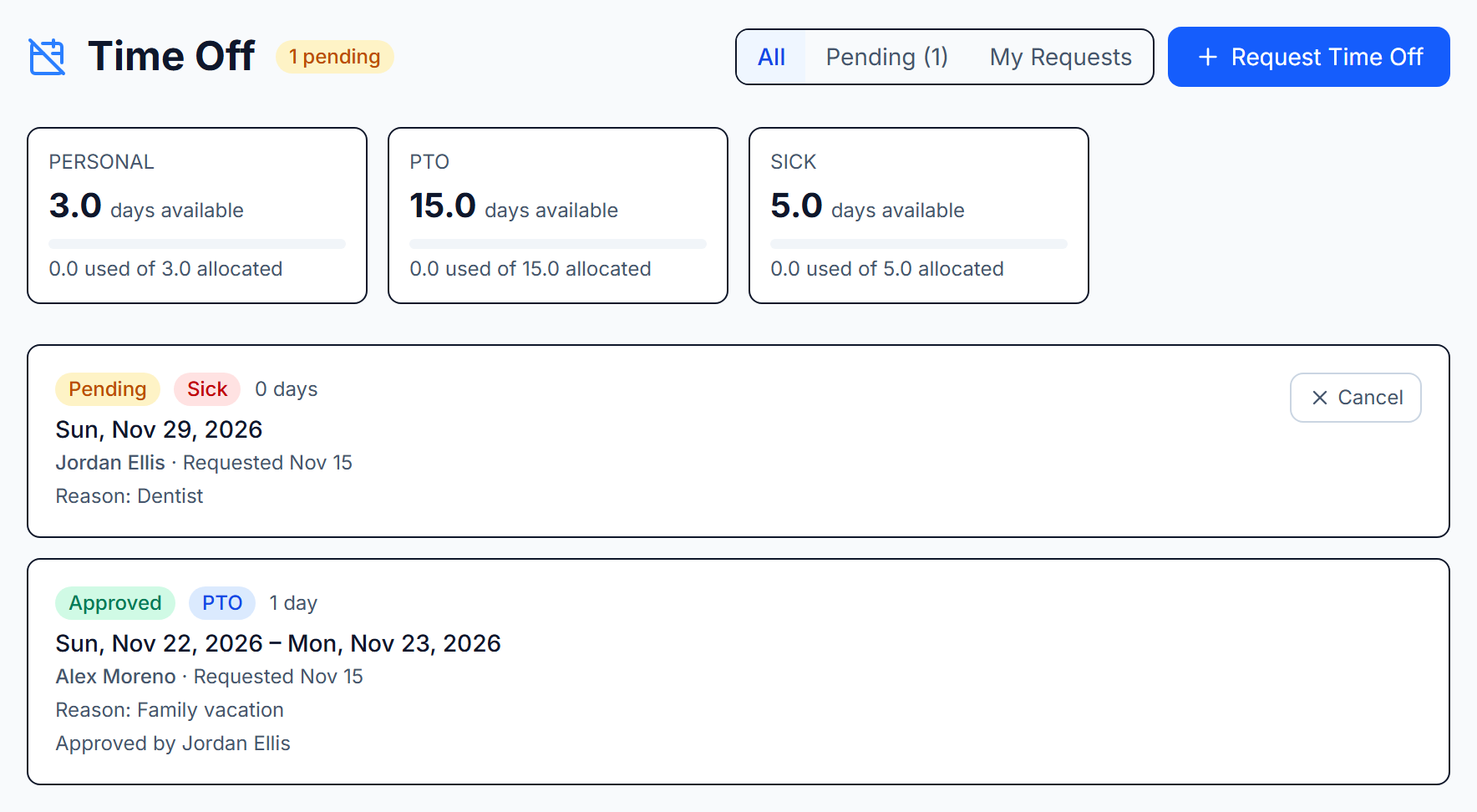
Staff submit PTO, sick days, and vacation requests through the system. Managers approve or deny with one click.
Payroll tracking
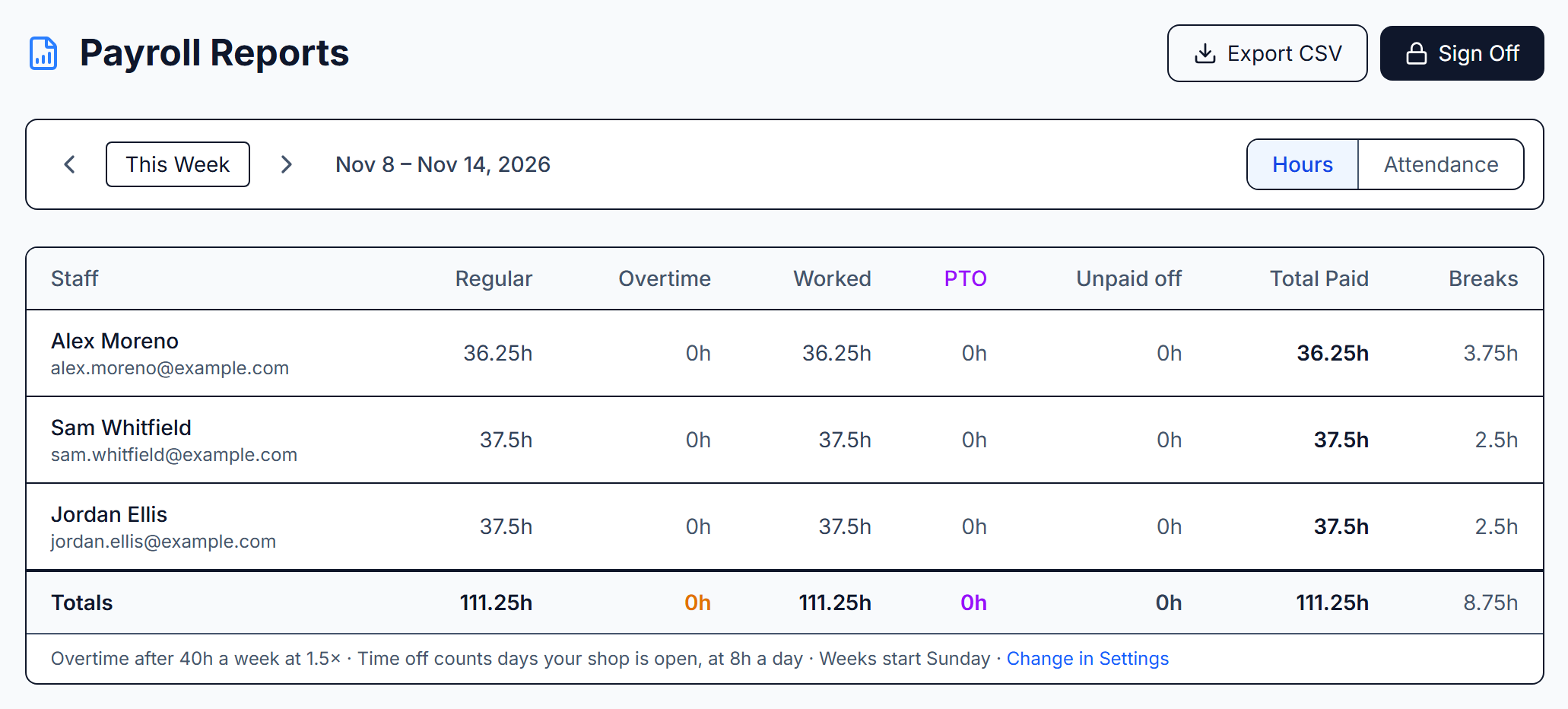
Track hours, overtime, and pay rates. Export payroll data for your payroll provider or accountant.
Related features
Multi-Location Repair Shop Management
Run several repair shop locations from one account, each with its own staff, tickets, schedule and register. Up to 5 on Pro, unlimited on Enterprise.
Repair Shop Reports and Technician Productivity
Revenue, technician productivity, ticket volume and sales by channel for your repair shop. Basic reports are on every plan, advanced reports on Pro.
Repair Shop POS System
Repair shop POS software: a point of sale that takes product sales and repair payments in one sale, with cash, card and end-of-day reconciliation.
Try Spekco free for 30 days
No setup fees, and nothing is charged until day 30.