
Repair shop payment processing through your own Stripe or Square account
Take card payments online and at the counter through your own Stripe or Square account. Spekco takes no percentage of your sales.
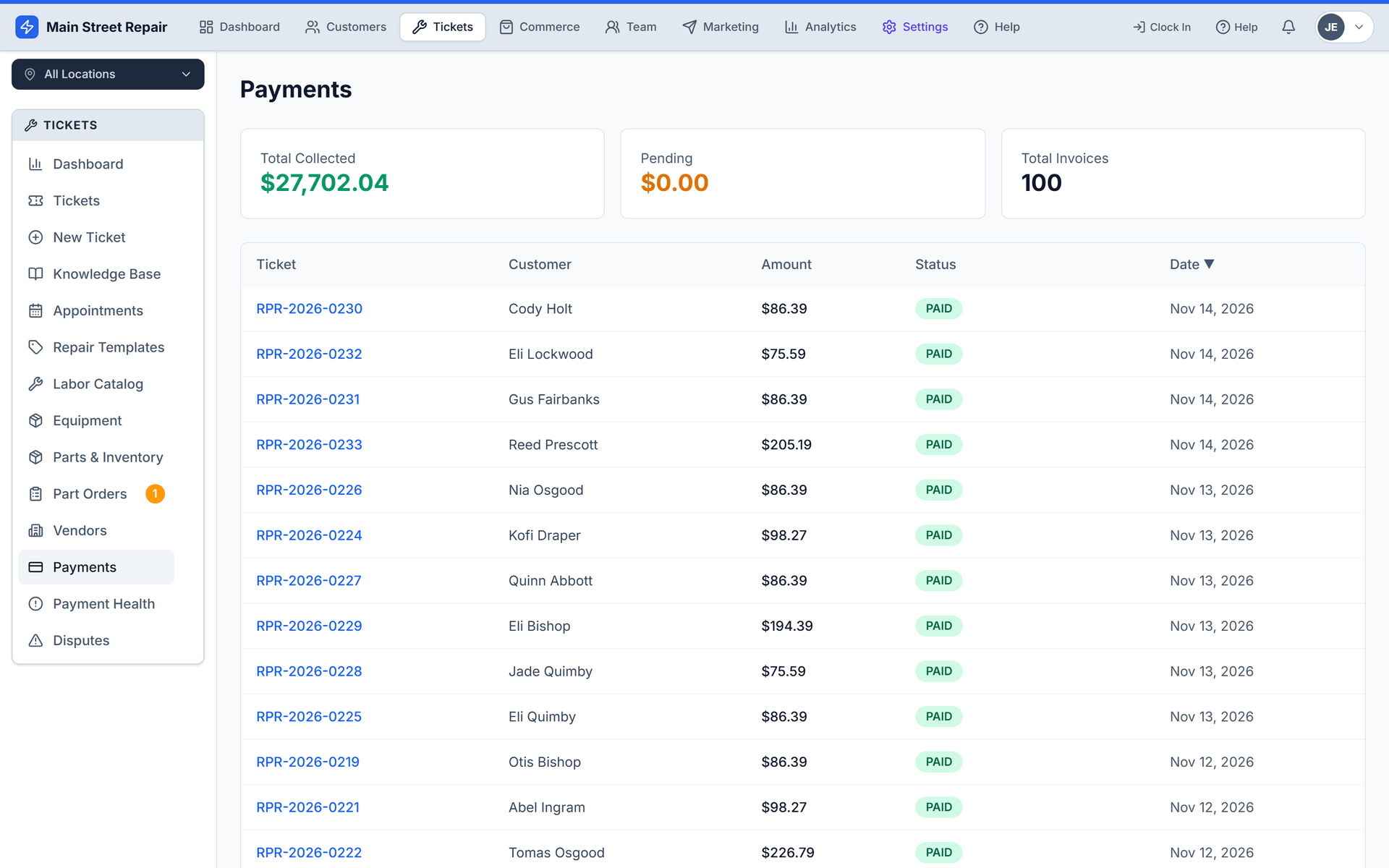
What's included in Payments
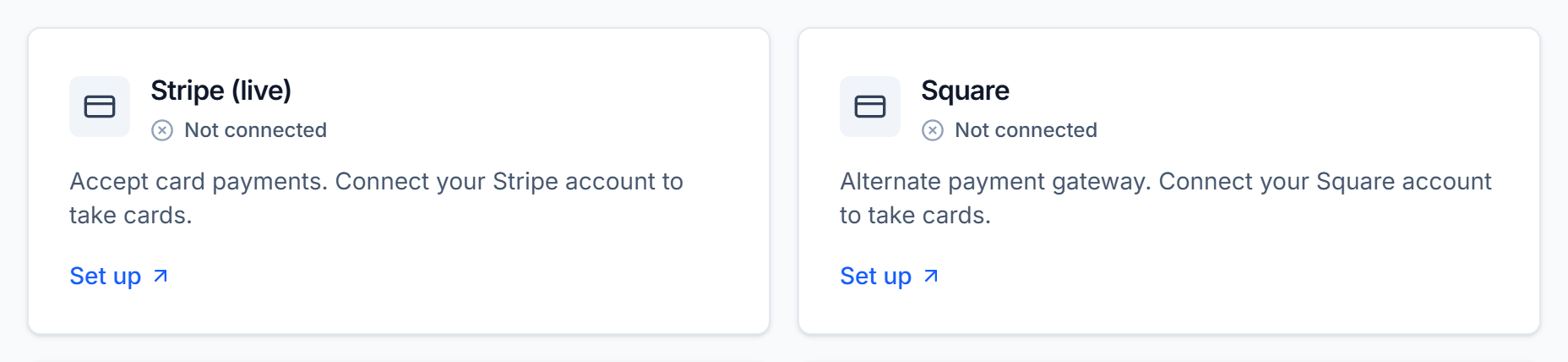
Stripe & Square
Connect your own Stripe or Square account. The money goes straight to you, and Spekco charges no transaction fee.
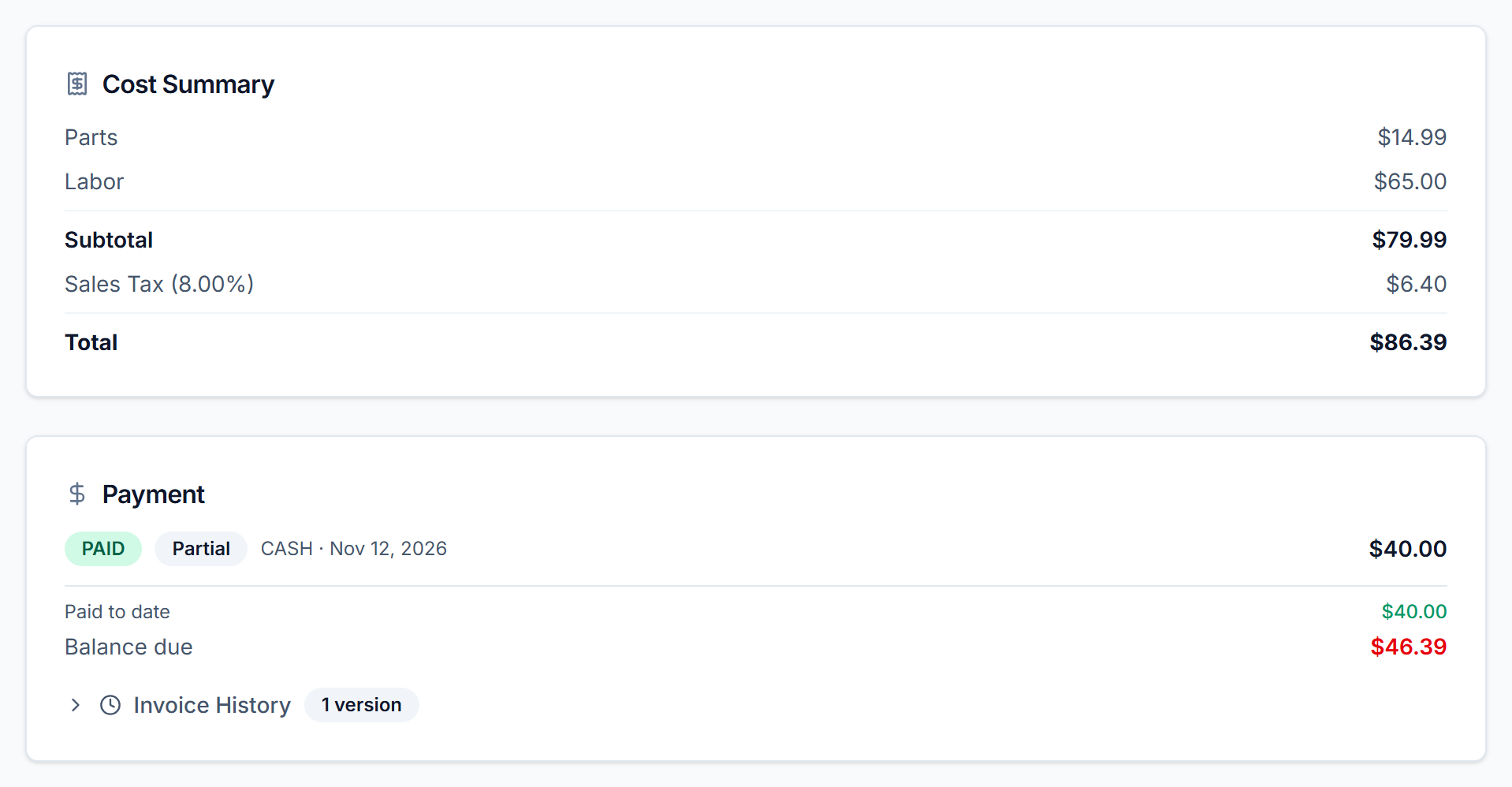
Deposit collection
Collect deposits at intake before work begins. Track partial payments and remaining balances.
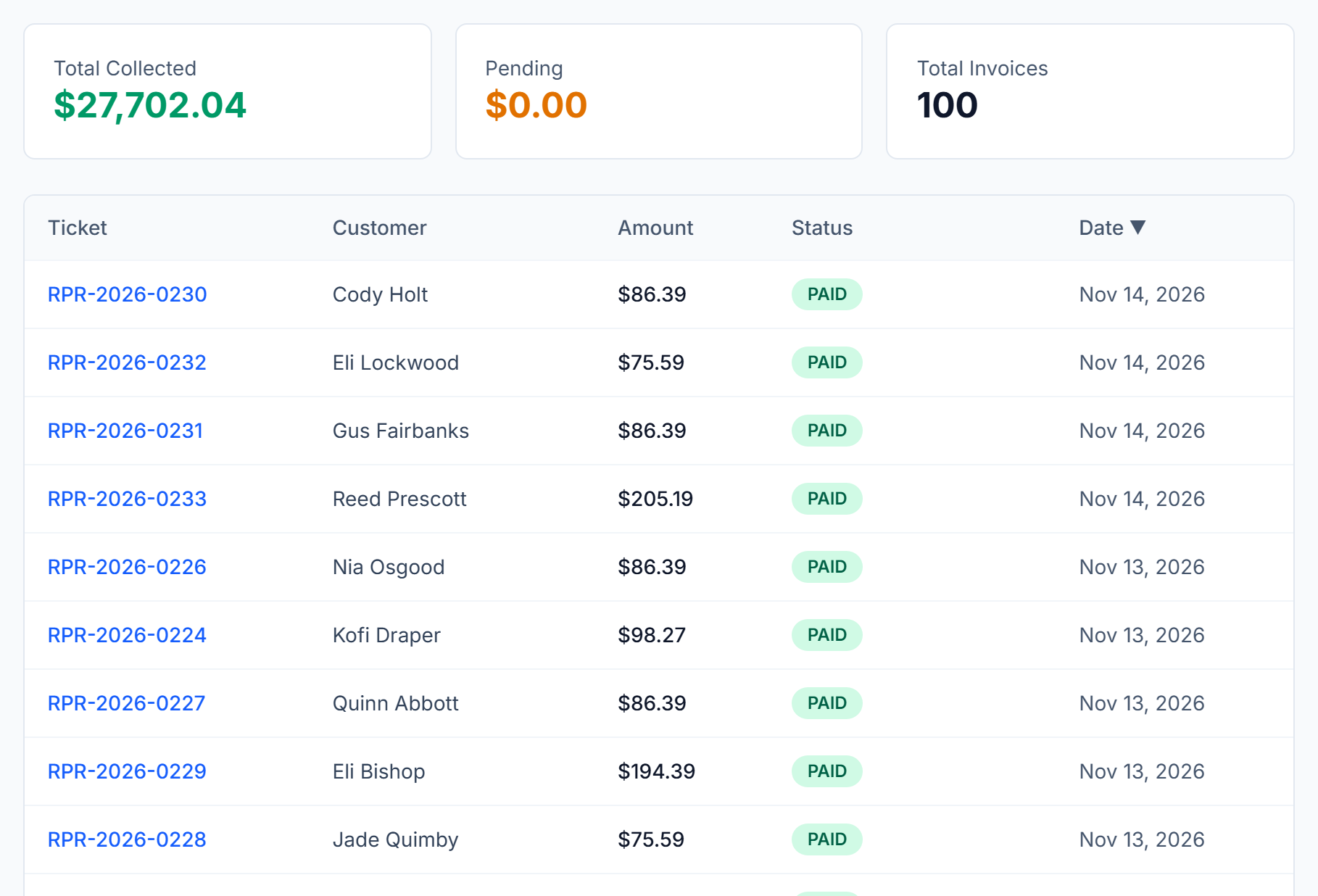
Payment history
Full payment history per ticket and per customer. See who paid what, when, and how.
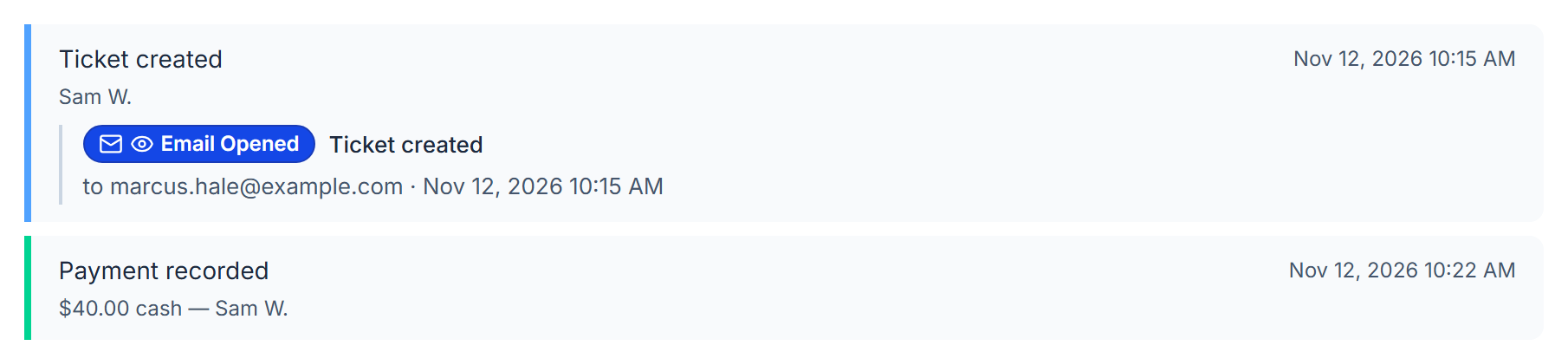
Payments update the ticket
When a payment clears, the ticket shows it and the customer is sent a receipt.
Pay from the portal
Customers pay a repair invoice on your portal, without being sent to another site.
Your Spekco subscription
Your own Spekco subscription is billed by card, separately from the payments your customers make.
Related features
Repair Shop POS System
Repair shop POS software: a point of sale that takes product sales and repair payments in one sale, with cash, card and end-of-day reconciliation.
Online Store for Repair Shops
Sell accessories, parts, refurbished devices and merchandise in your own online store, with categories, variants, promo codes and card checkout. On Pro.
Repair Ticket Software
Repair ticket software and repair tracking in one ticketing system, with a status for every stage, technician assignment and automatic customer updates.
Try Spekco free for 30 days
No setup fees, and nothing is charged until day 30.