
Repair shop email marketing with campaigns and automatic follow-ups
Send email campaigns to the customers you choose, and let follow-ups and maintenance reminders go out automatically. See opens and clicks. On Pro.
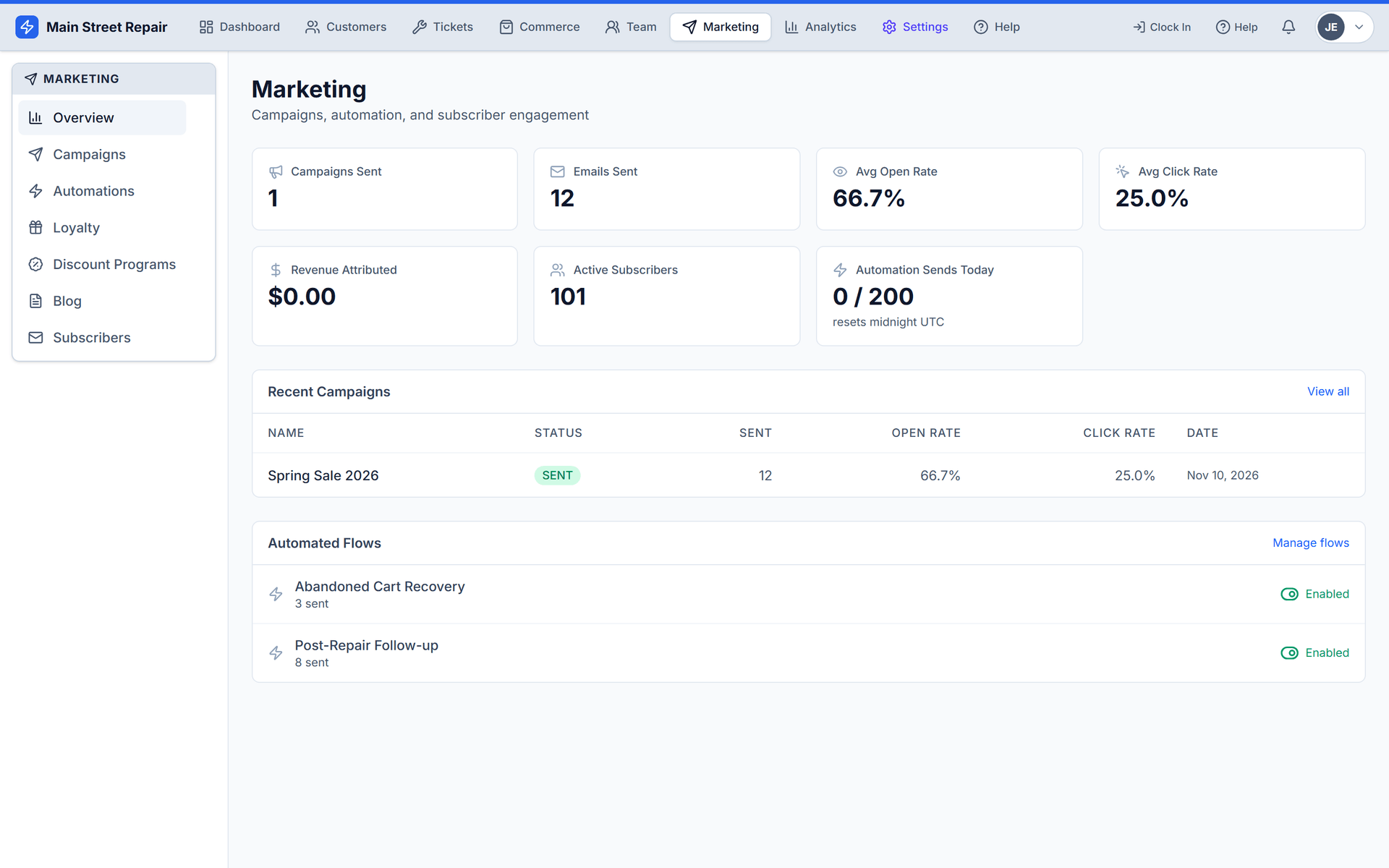
What's included in Marketing
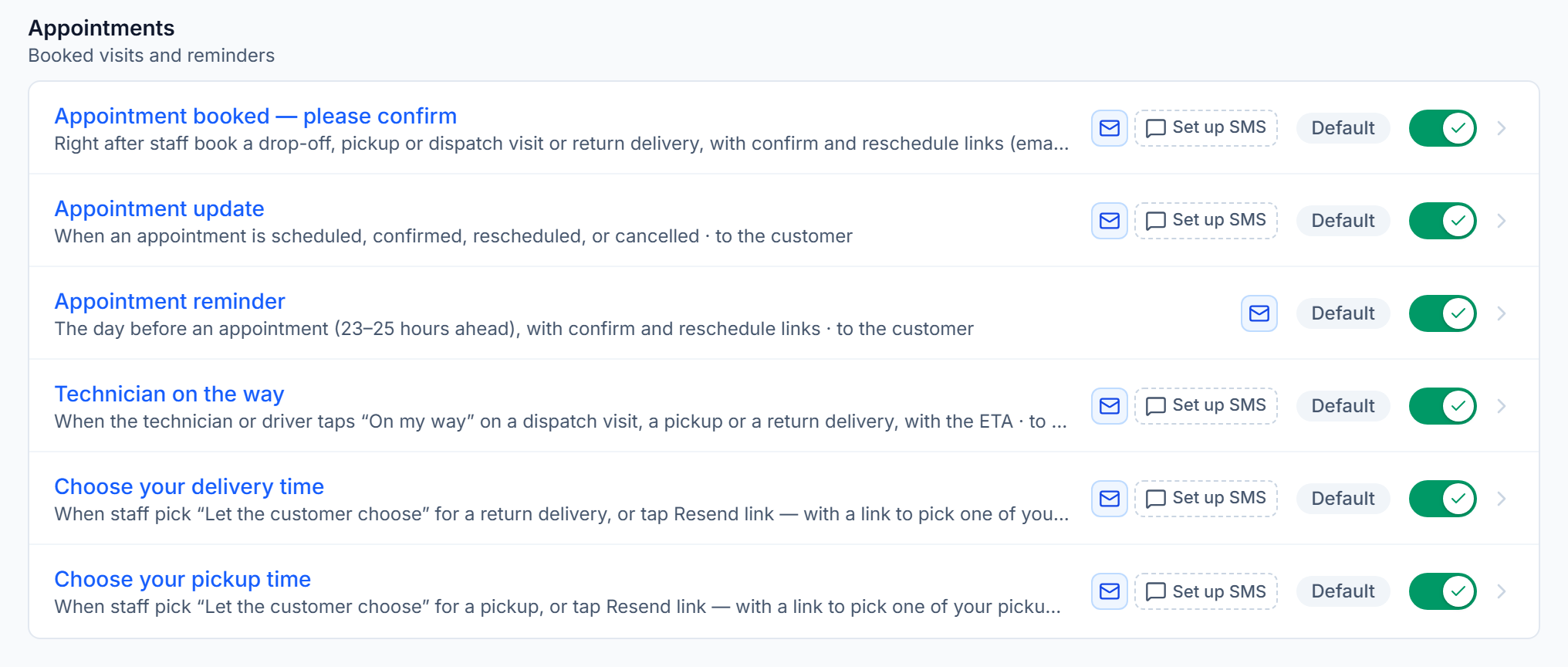
Automated notifications
Ticket status changes, appointment reminders, and shipping updates sent automatically via email.
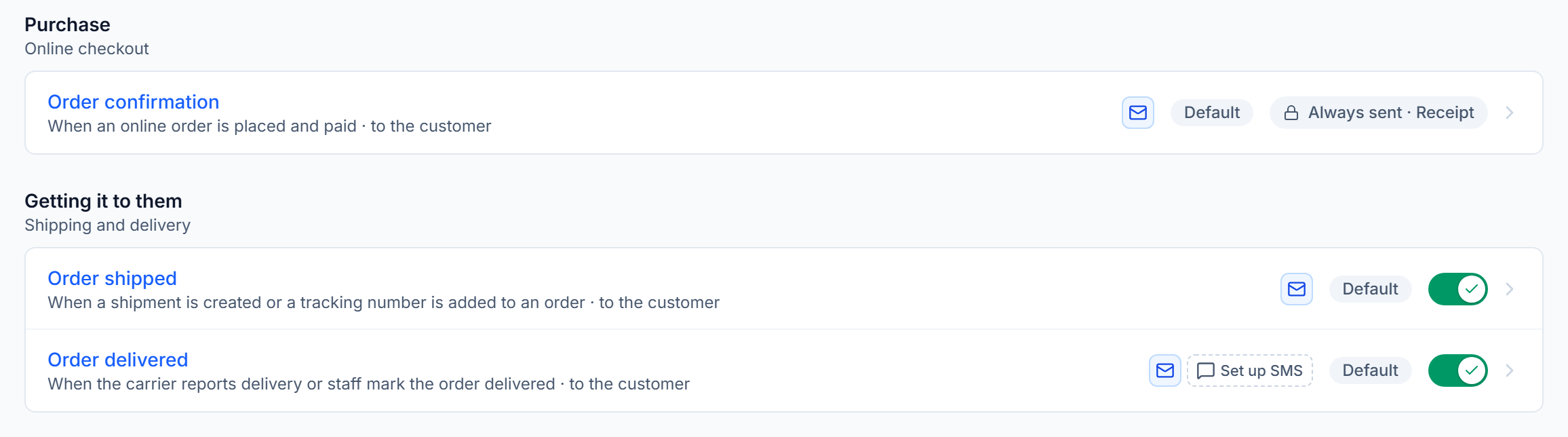
Order confirmations
Customers get branded confirmation emails for shop orders with tracking info and order details.
Back-in-stock alerts
Customers subscribe to out-of-stock products. They get notified automatically when inventory is replenished.

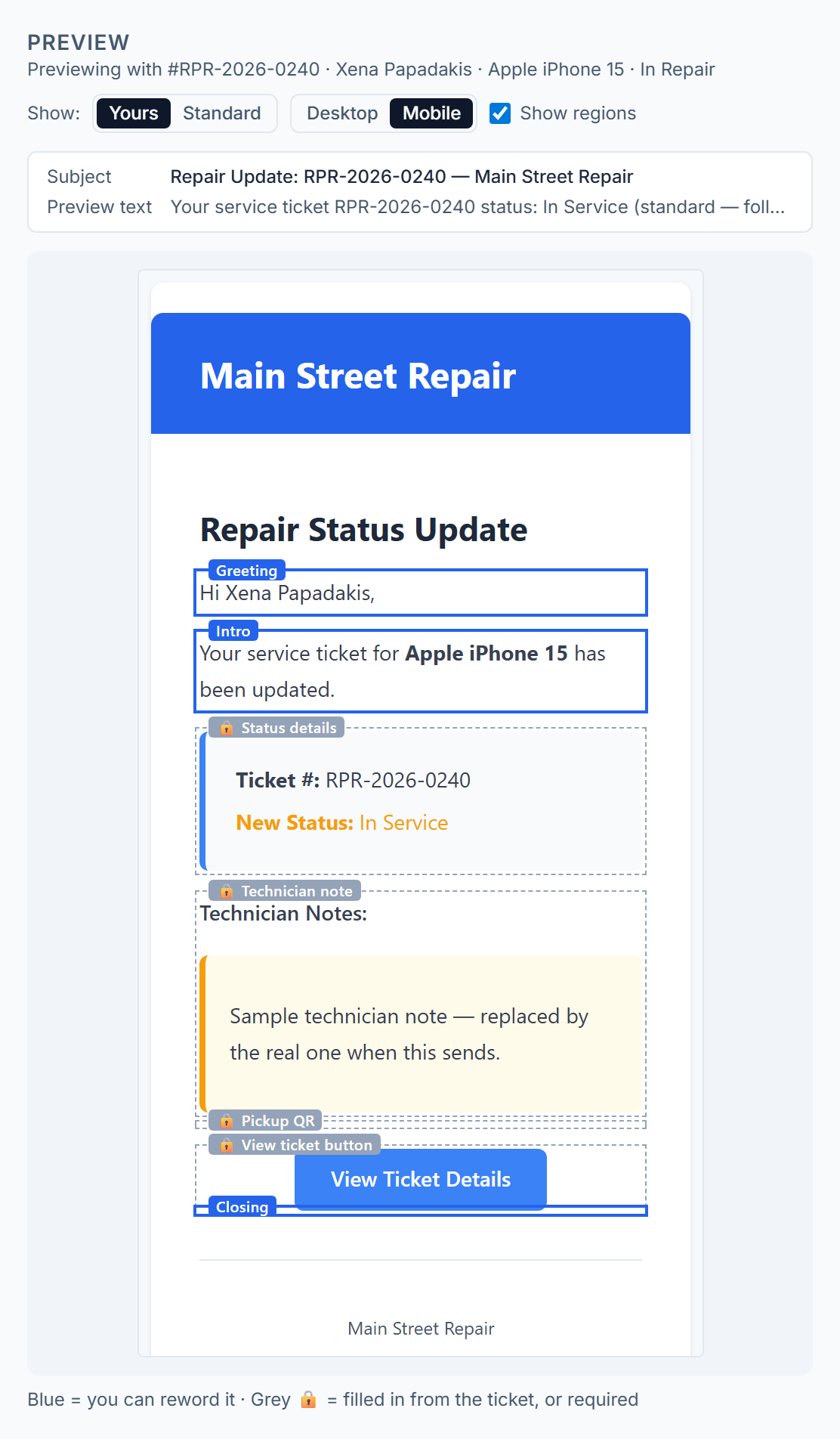
Emails that read well on a phone
Every email is laid out to read well on a phone and carries your shop's name.
Maintenance reminders
Customers with registered equipment are emailed when service is due.
Review status emails
Notify customers when their product review is approved or needs changes.
Related features
Repair Status Customer Portal
Customers check repair status, approve estimates and pay invoices online without calling your shop. On Pro, the portal adds booking and your online shop.
Branded Customer Portal for Repair Shops
Put your logo, colors and fonts on your customer portal, with 12 themes to start from and a live preview before you save. On Pro.
Online Store for Repair Shops
Sell accessories, parts, refurbished devices and merchandise in your own online store, with categories, variants, promo codes and card checkout. On Pro.
Try Spekco free for 30 days
No setup fees, and nothing is charged until day 30.